https://apps.microsoft.com/detail/9NBHLS7XQL21
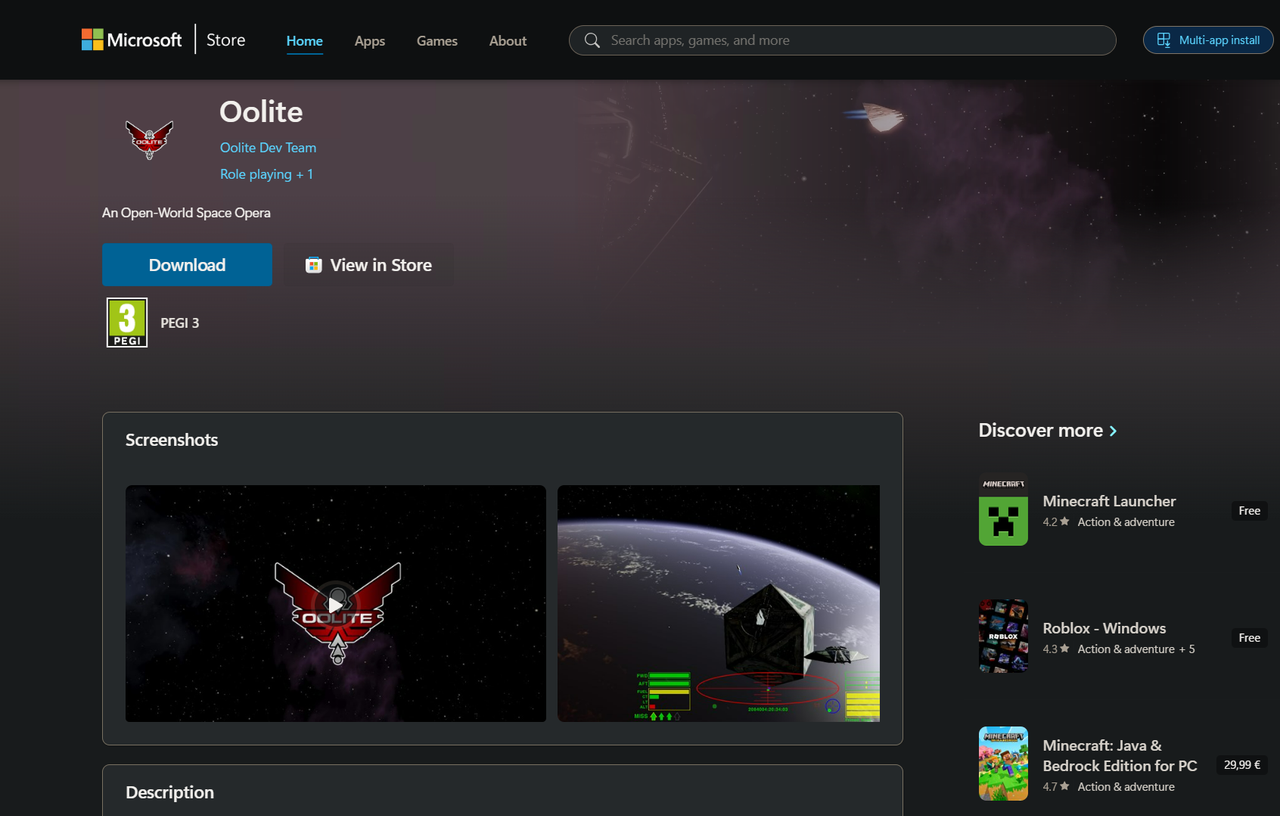
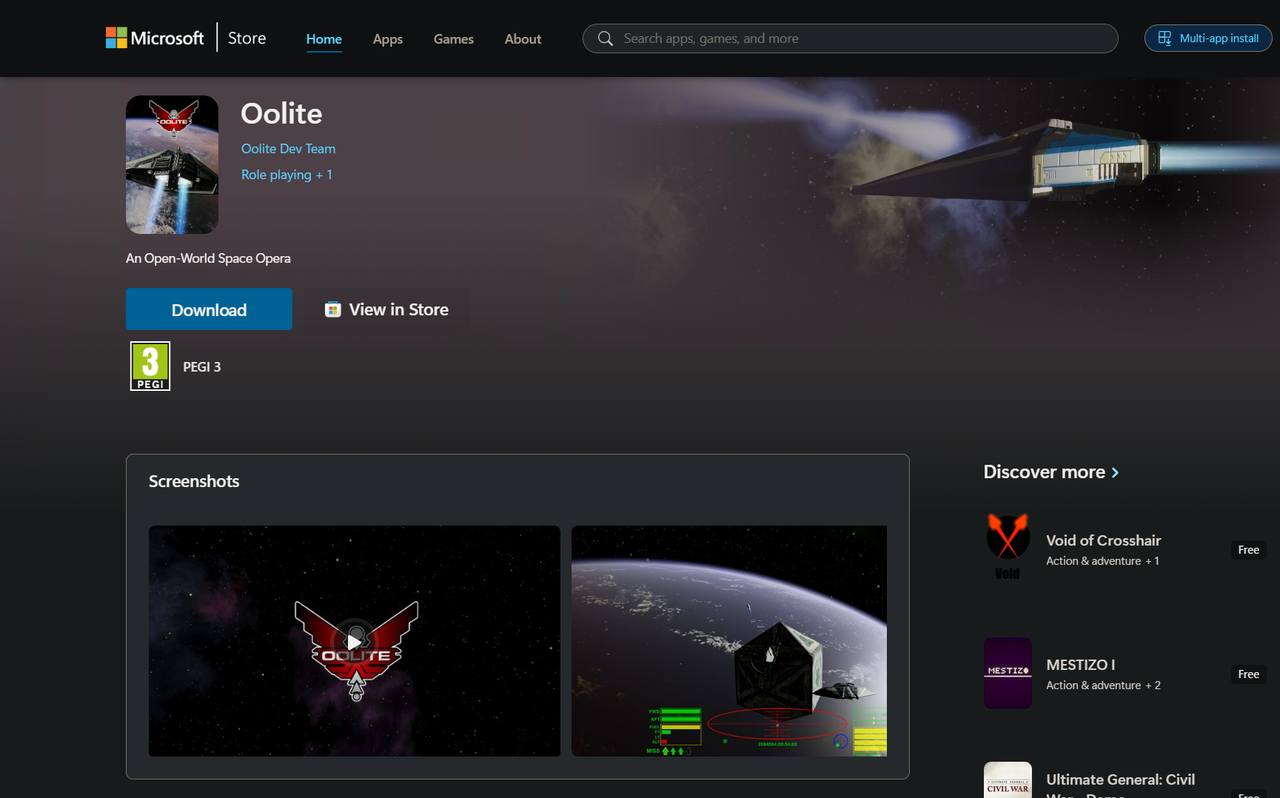
The MS Store version has some differences compared to the actual rekease which will also be announced very soon. The main difference is that it writes all its generated files in user folders instead of inside the game's installation folder, which is the way it was done till now. This is because of the very specific way Windows apps are packaged, but it has practical value too, since now there is clear separation between the game files and the user files.
Your Oolite will be installed in
C:\Program Files\WindowsApps\OoliteDevTeam.Oolite_1.92.0.0_x64__x4yhmcdj37sz2. You can view the contents of this folder but you cannot perform any kind of write operation in it - it is owned by the Windows Trusted Installer and no one can touch it, not even admins. This is how all Windows apps are designed and it is for security reasons that the WindowsApps folder and its subfolders are so tightly protected.IMPORTANT NOTE
AddOns, logs, user defaults files, game caches, saved games and sreenshots of the MS Store flavor are now all saved in the path
C:\Users\<username>\AppData\Local\Packages\OoliteDevTeam.Oolite_x4yhmcdj37sz2\LocalCache\Local\Oolite. Everything you install manually there will be deleted if the package is uninstalled. This is controlled by the operating system and is done so by design. If you want to avoid having your OXPs or other files deleted on uninstall, you can either backup everything you need before uninstalling or create the folder C:\Users\<username>\AppData\Local\Oolite before installing the game from the MS Store and this will redirect all writes that would normally go to the package folder to the one you created instead. In case of uninstall the contents of C:\Users\<username>\AppData\Local\Oolite will thus remain intact.Another difference with the "normal" installs is that the MS Store version associates the filetype
.oolite-save with the game itself, which means that after installing the Store version, you can launch Oolite and have it immediately load a saved game just by double clicking on the saved game file. Alternatively, you can right click on the save game file and use the "Open" or the "Open with..." context menu to launch Oolite with that savefile loaded. Or you can just open a command console, cd to the folder where the save file is and just type the filename as a command. If you try to select multiple save games and use "Open with...", only the one selected first will be loaded.The final difference with the "normal" install is that when you install this version you can launch Oolite from anywhere: Windows Run (Win+R) dialog, any folder in a console window etc. You can practically use "oolite..exe" as an OS command. You can launch Oolite with any command line args you want this way.
There is a very long list of features that have been implemented for this new release. Here are some of the main ones:
- Significant improvements to the rendering engine. We now support post processing effects, HDR ouput, script-selectable tone mapping options and more.
- A brand new shipset with PBR materials support.
- Accessibiility: Color blind modes for protanopia, deuteranopia and tritanopia can now be applied so that colorblind users have a better chance of distinguishing different colors.
- Full in-game keyboard/joystick remapping and handling of non-US keyboard layouts
- Significant performance improvements across the board.
- A plethora of stability improvements and bug fixes.
For the full list of features, scripting enhancements and bug fixes refer to the full 1.92 changelog
Safe flights Commanders!