Page 1 of 2
Better images for FlatHub listing
Posted: Mon Feb 16, 2026 9:58 pm
by mcarans
I think the Oolite FlatHub could do with better and reorganised images to highlight the game:
https://flathub.org/apps/space.oolite.Oolite
Also the banner preview which seems to be generated from the logo and first image doesn't look so good:
https://flathub.org/apps/space.oolite.O ... nerpreview
The "App Listing Quality" mentions these suggestions for screenshots:
- Tag screenshots with correct language
- Just the app window
- Screenshots taken on Linux
- Default settings
- Include window shadow and rounded corners
- Reasonable window size
- Good content
- Up to date
I'd like to open this up to graphics experts here to suggest improvements.
Re: Better images for FlatHub listing
Posted: Tue Feb 17, 2026 6:30 am
by another_commander
Hardly a graphics expert, but here is a first tip: Use 1.92 screenshots.
The ones on flathub are 1.88 and one of them is 1.90.
Re: Better images for FlatHub listing
Posted: Tue Feb 17, 2026 7:16 am
by phkb
Here's one I just did on AnduinOS, Flatpak install:
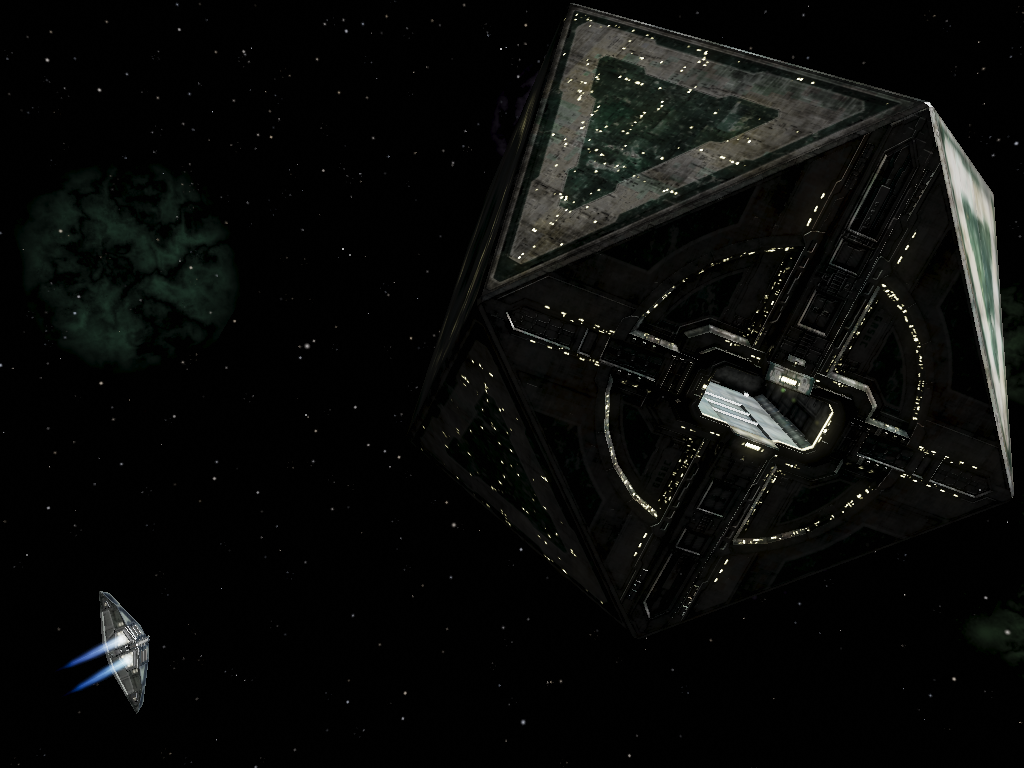
Hmm.. now looking at it, I should have got the station a little closer to the centre. Hang on while I try again (and work out how to get my full screen resolution in play...
Linux...
*sounds of hair pulling*
Re: Better images for FlatHub listing
Posted: Tue Feb 17, 2026 7:22 am
by phkb
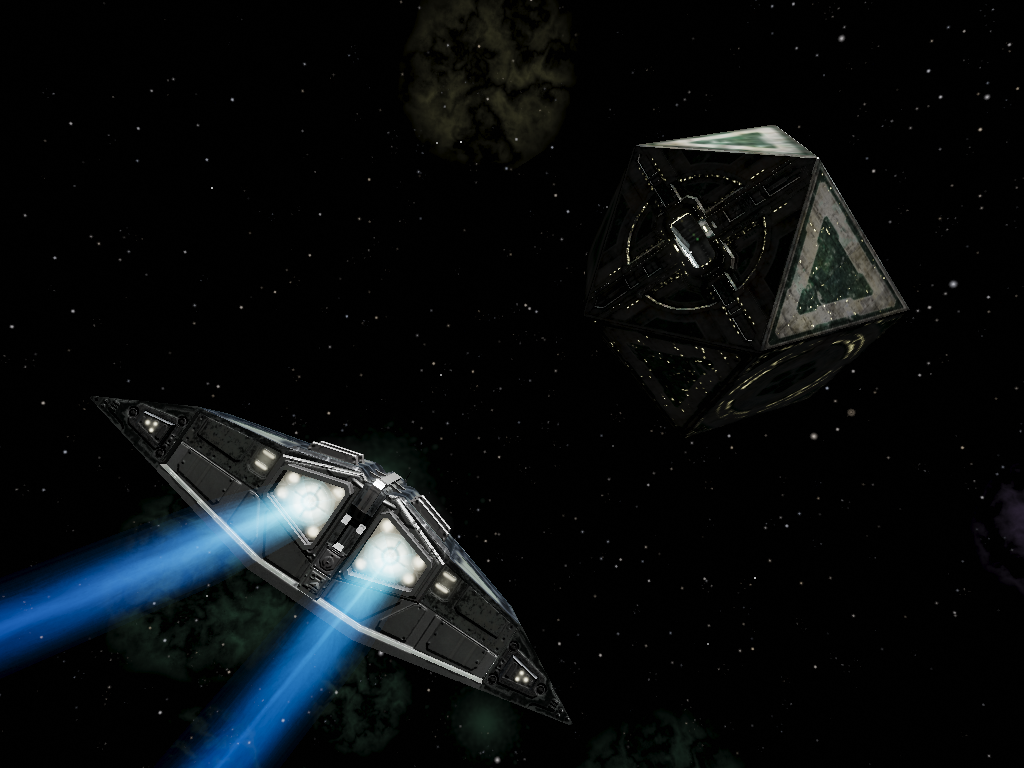
This one is better, I think:
Re: Better images for FlatHub listing
Posted: Tue Feb 17, 2026 7:46 am
by mcarans
phkb wrote: ↑Tue Feb 17, 2026 7:22 am
This one is better, I think:
Thanks! That will definitely work as one of the images, but thinking that is better as a later image. Need a new one that really shows off the game as the first image, one that will also work in the banner which with the old image just showed part of a station. Changing the text is fine too. I'm not good at getting nice shots so happy for any and all contributions.
Re: Better images for FlatHub listing
Posted: Tue Feb 17, 2026 1:41 pm
by phkb
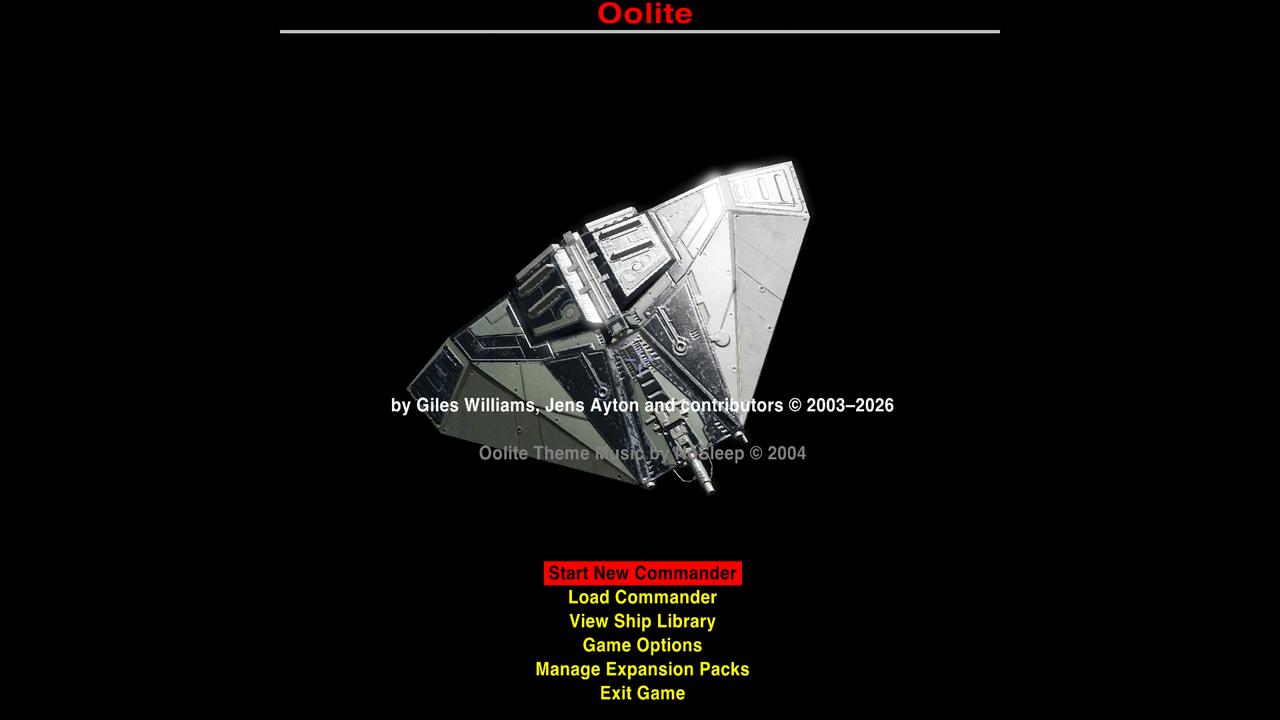
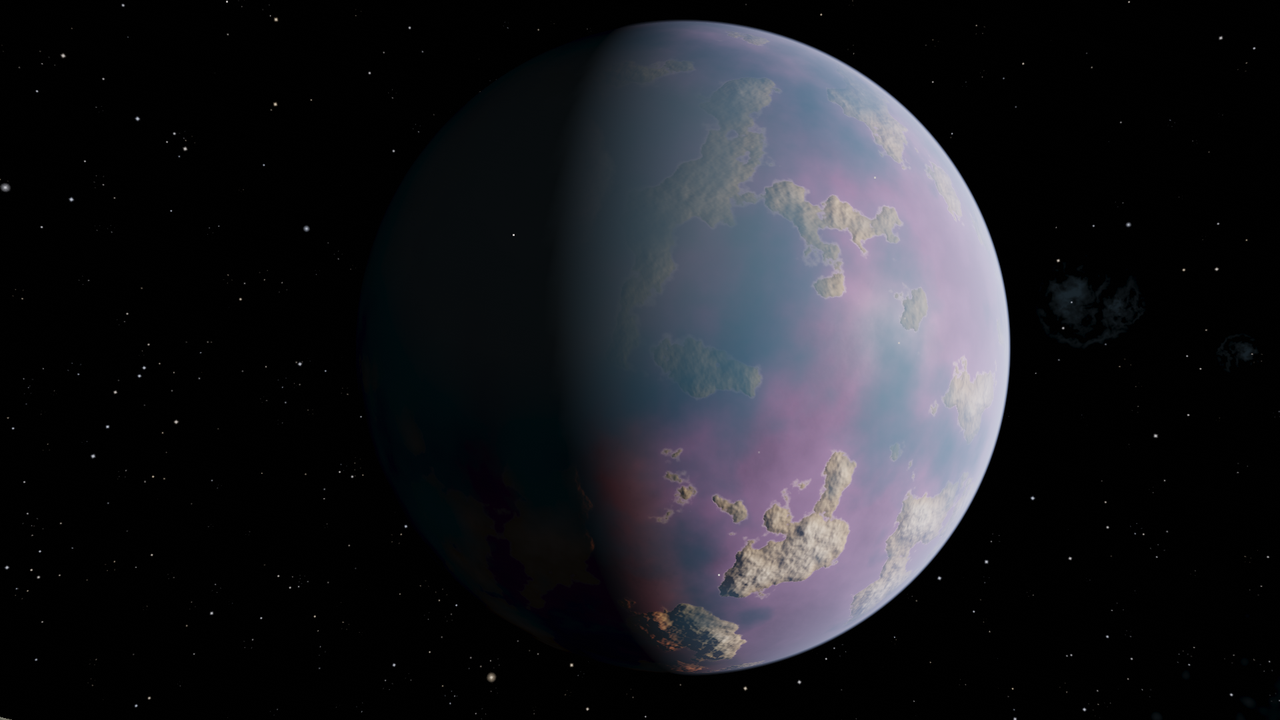
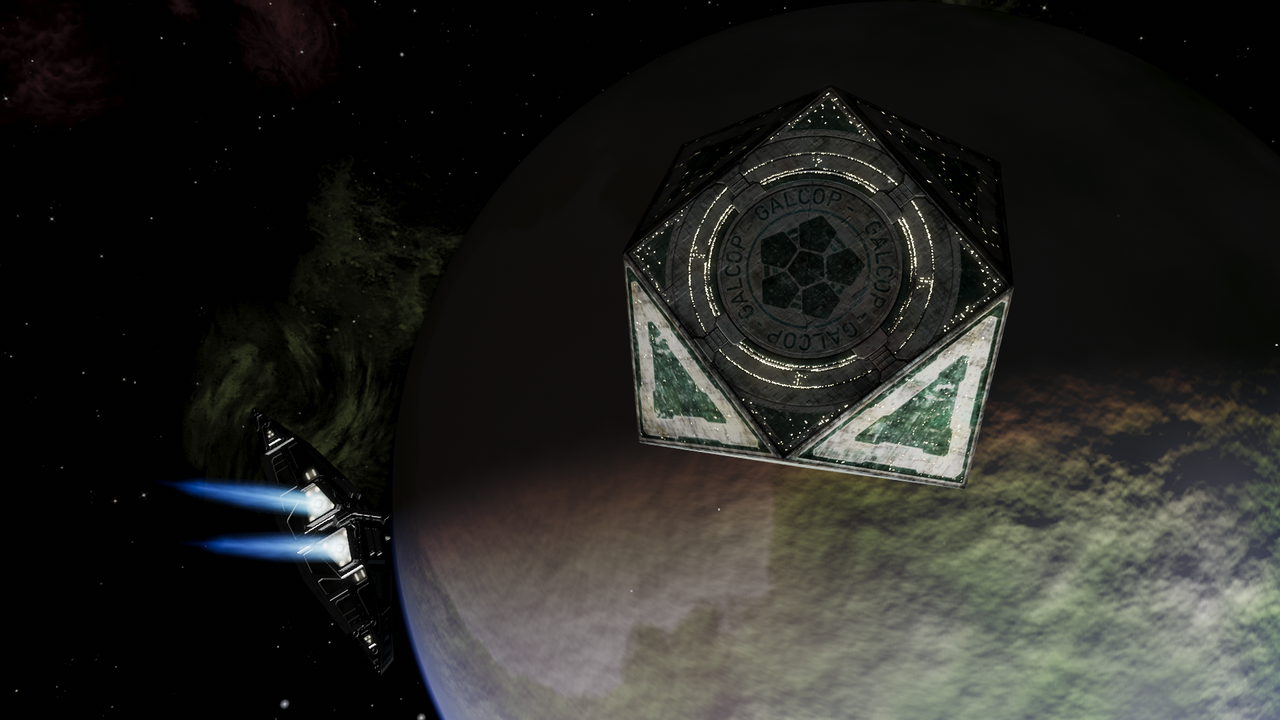
Basic screenshot replacements:
"Oolite's start screen includes an expansion pack manager and quick reference guides."
"Oolite has over 2000 systems to explore. This is Maraus, a wealthy industrial world."
"Orbital stations provide facilities and protection to pilots."
Re: Better images for FlatHub listing
Posted: Tue Feb 17, 2026 3:05 pm
by another_commander
The last one is alright but at least half of it is in darkness, including the spaceship.
The original under the same caption was taken at Diso if I remember correctly. I think it might be a good idea to reattempt the shot there. Lighting conditions may be more favorable.
Re: Better images for FlatHub listing
Posted: Tue Feb 17, 2026 4:18 pm
by cbr
Re: Better images for FlatHub listing
Posted: Tue Feb 17, 2026 8:30 pm
by hiran
I get the feeling these images should also be used to replace a bunch of those on the homepage.
Unless the pictures get marked up which version they stem from.
https://oolite.space/
Re: Better images for FlatHub listing
Posted: Tue Feb 17, 2026 10:09 pm
by mcarans
phkb wrote: ↑Tue Feb 17, 2026 1:41 pm
cbr wrote: ↑Tue Feb 17, 2026 4:18 pm
Thanks for all the images!
I also need a new icon that meets FlatHub's requirements:
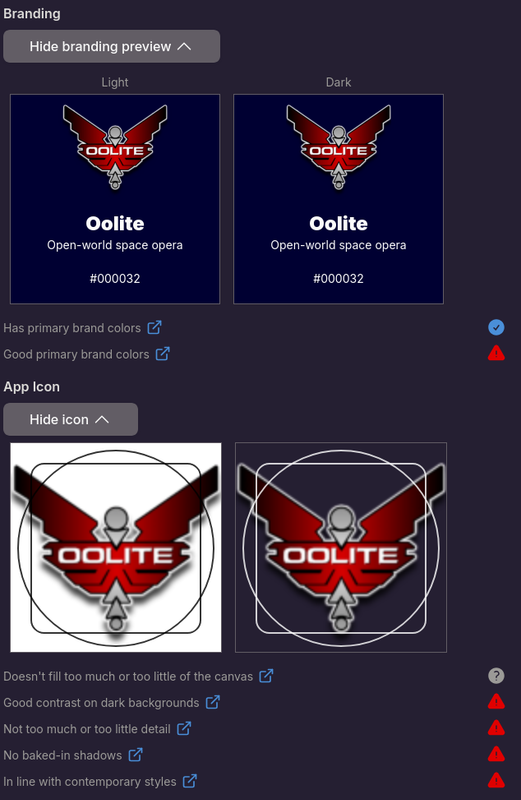
It must be an SVG of at least 256x256. AI claims 512x512 is better and that it should not have any text in it. Sadly AI only produces PNGs (it gave this as an example:
https://gemini.google.com/share/07b4774a78b4) and I have no clue how to create a clean SVG icon (as apparently converting PNG might not be good enough. AI says "Flathub's system doesn't just look at the size; it looks for mathematical paths.").
Regarding the banner, there is an online banner preview tool here:
https://docs.flathub.org/banner-preview/. Currently branding is set up like this:
Code: Select all
  <branding>
    <color type="primary" scheme_preference="light">#000032</color>
    <color type="primary" scheme_preference="dark">#000032</color>
  </branding>
The current icon is:
https://wiki.alioth.net/img_auth.php/a/ ... -logo3.png
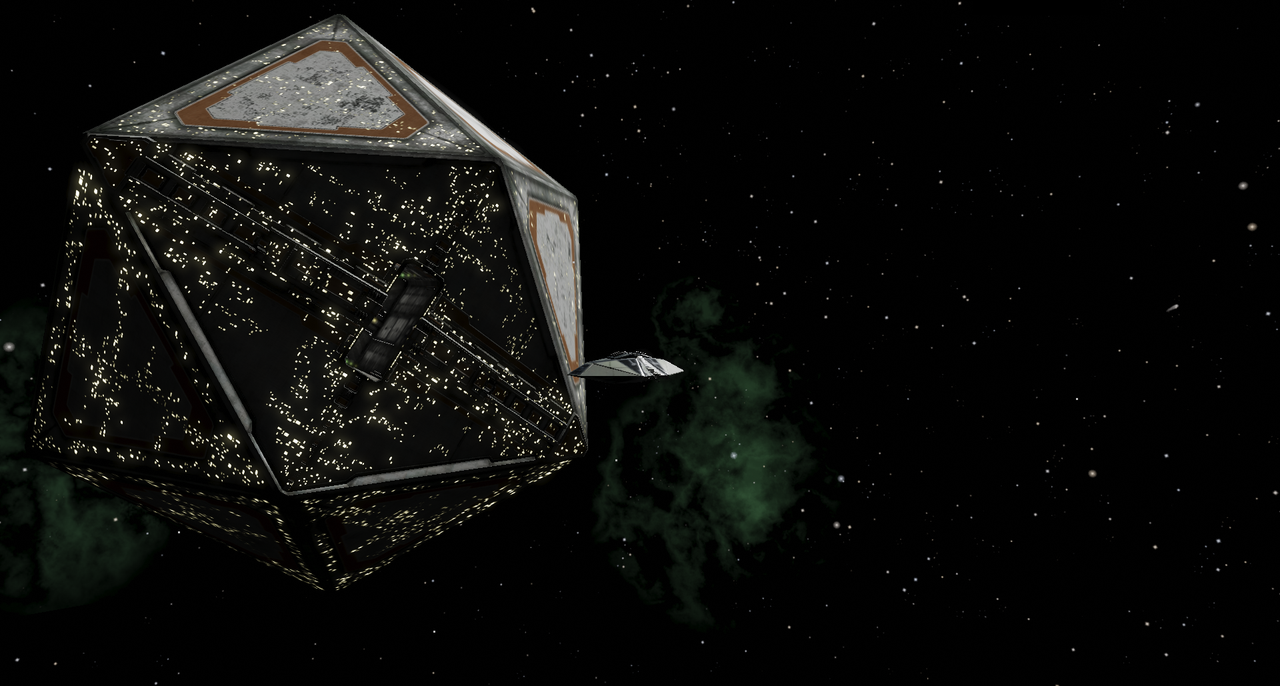
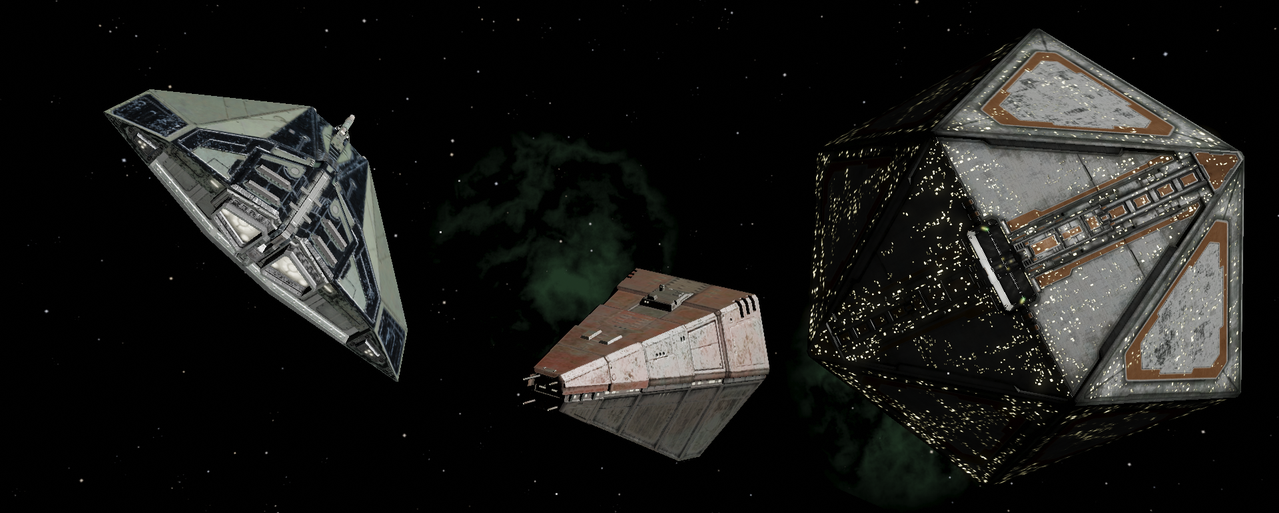
The screenshot could be one of those below eg. cbr's:
https://i.postimg.cc/QMHd9fQY/oolite-064.png
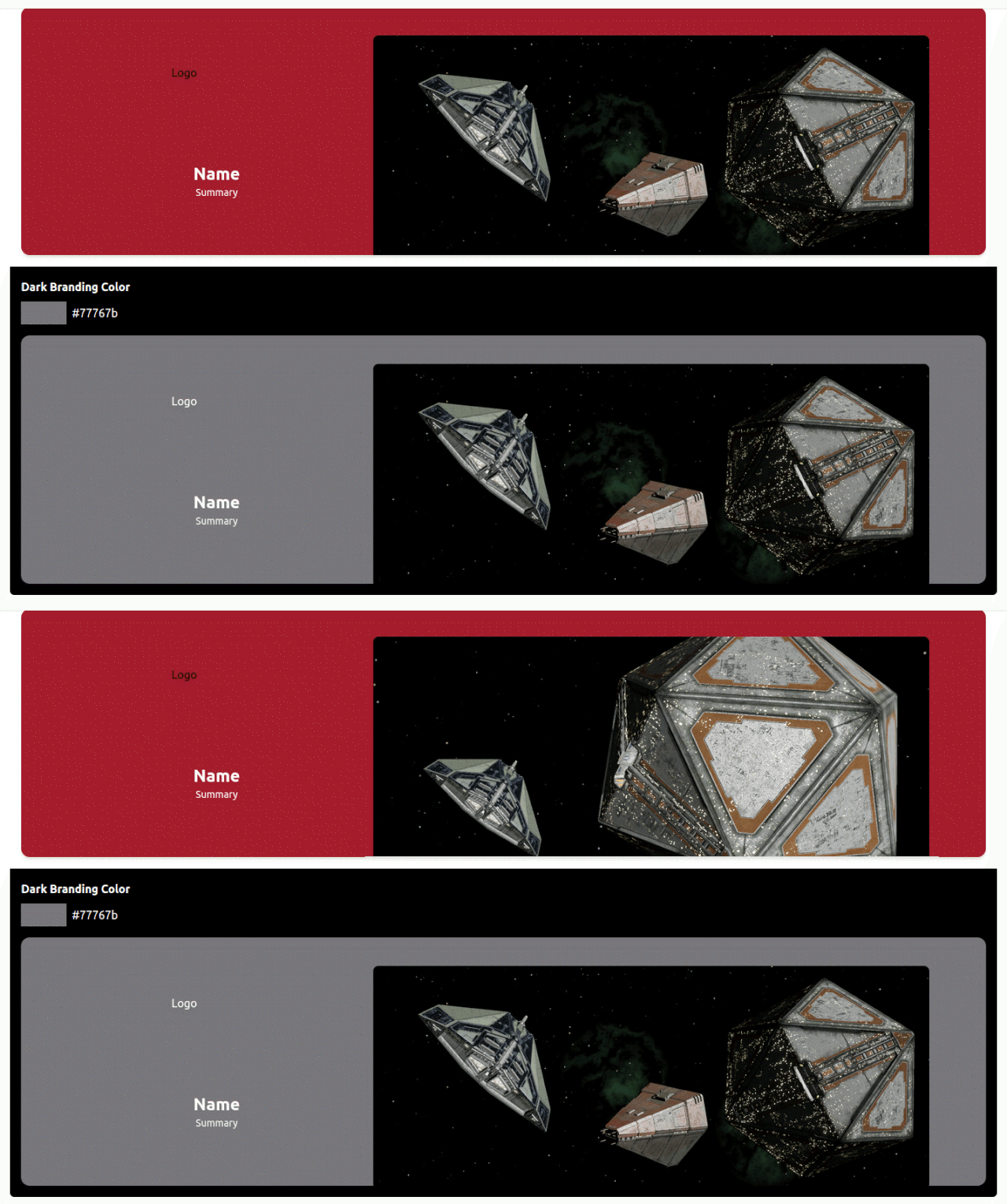
Here is what it looks like based on the above:
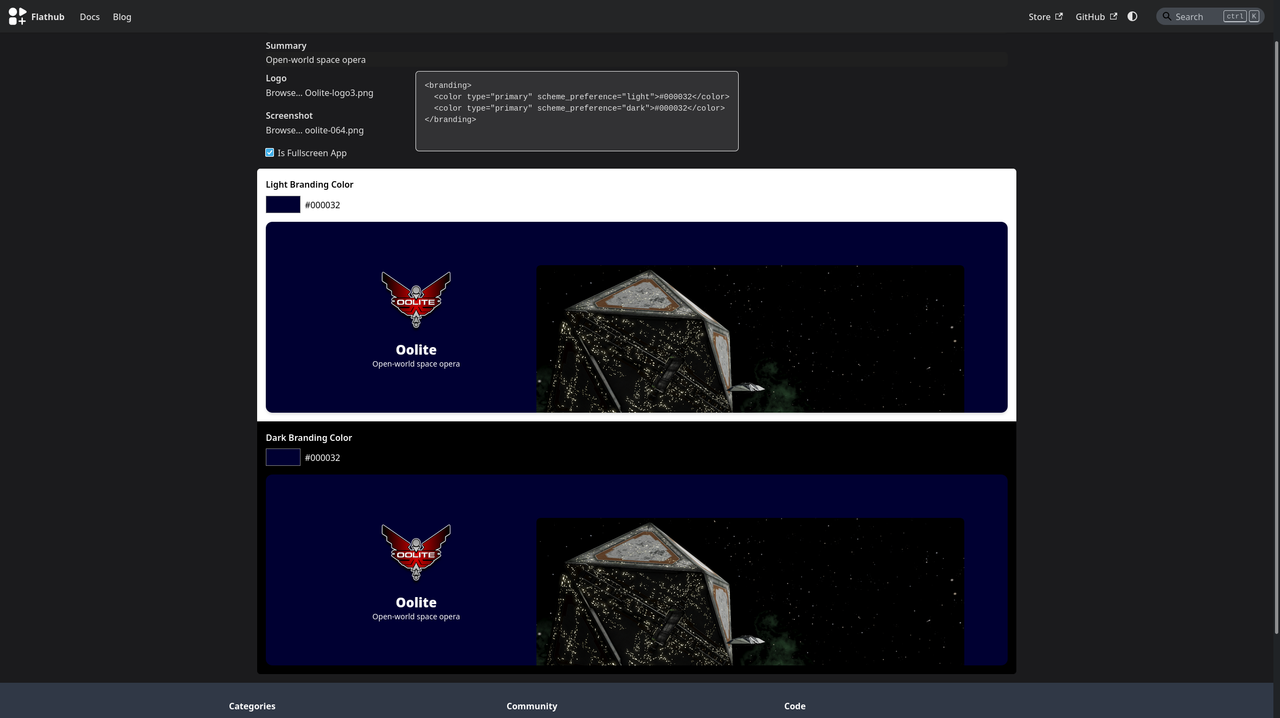
It's definitely better with the new image but would be better if more of the focus of the image was in the top third or half or so of the image as the rest gets cut off. Also the branding colours need improving especially for light mode.
Here are FlatHub's quality guidelines:
https://docs.flathub.org/docs/for-app-a ... guidelines
Can one or more volunteers please look into the SVG icon and experiment with
https://docs.flathub.org/banner-preview/ (doesn't need a FlatHub login) and branding/images?
Re: Better images for FlatHub listing
Posted: Wed Feb 18, 2026 7:26 am
by another_commander
Here is my attempt at the banner:
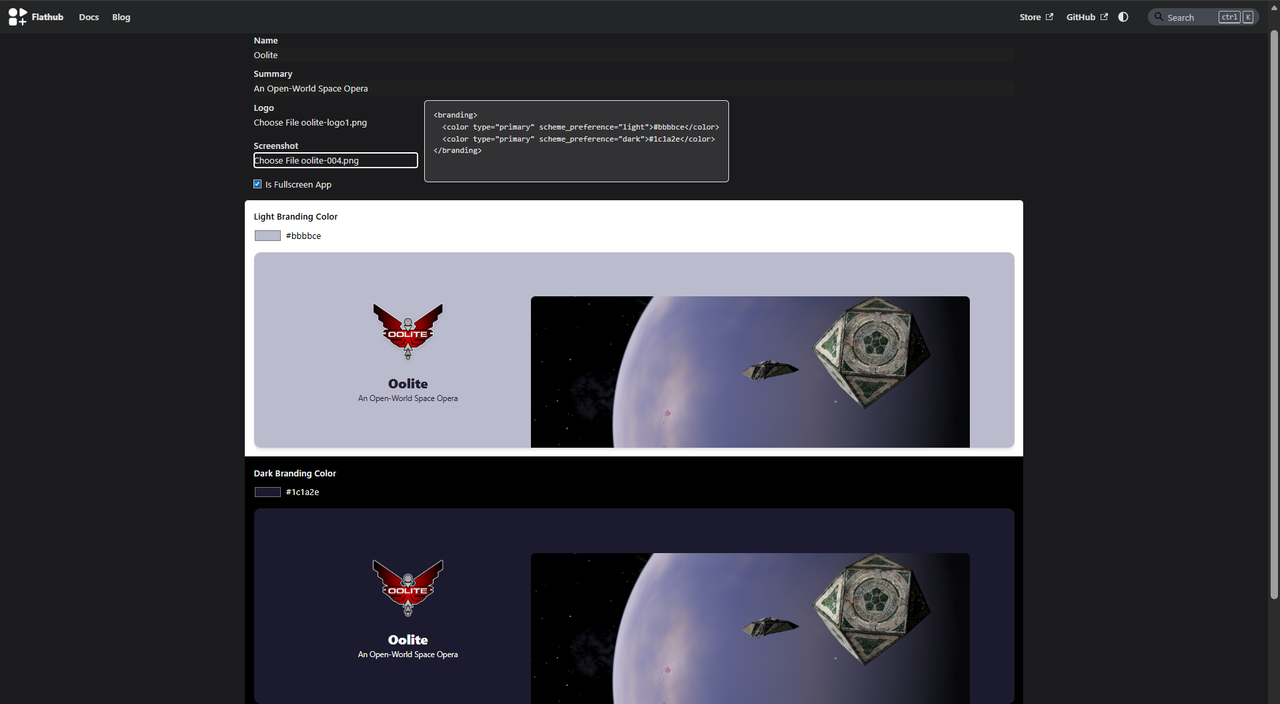
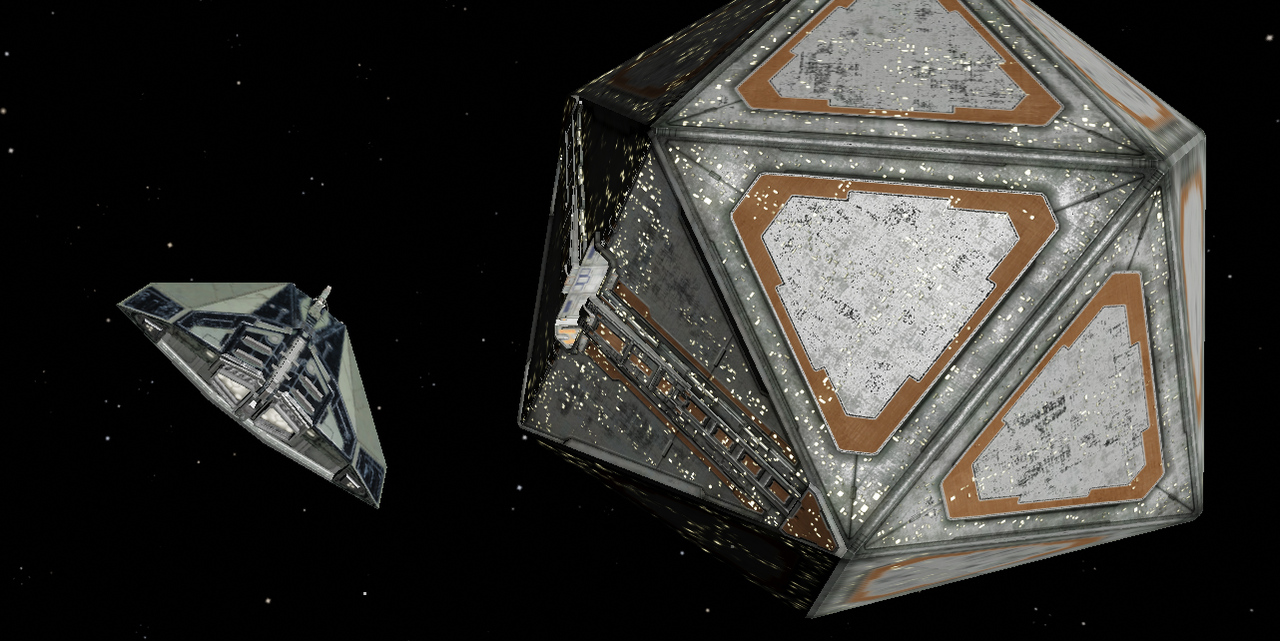
Screenshot used:
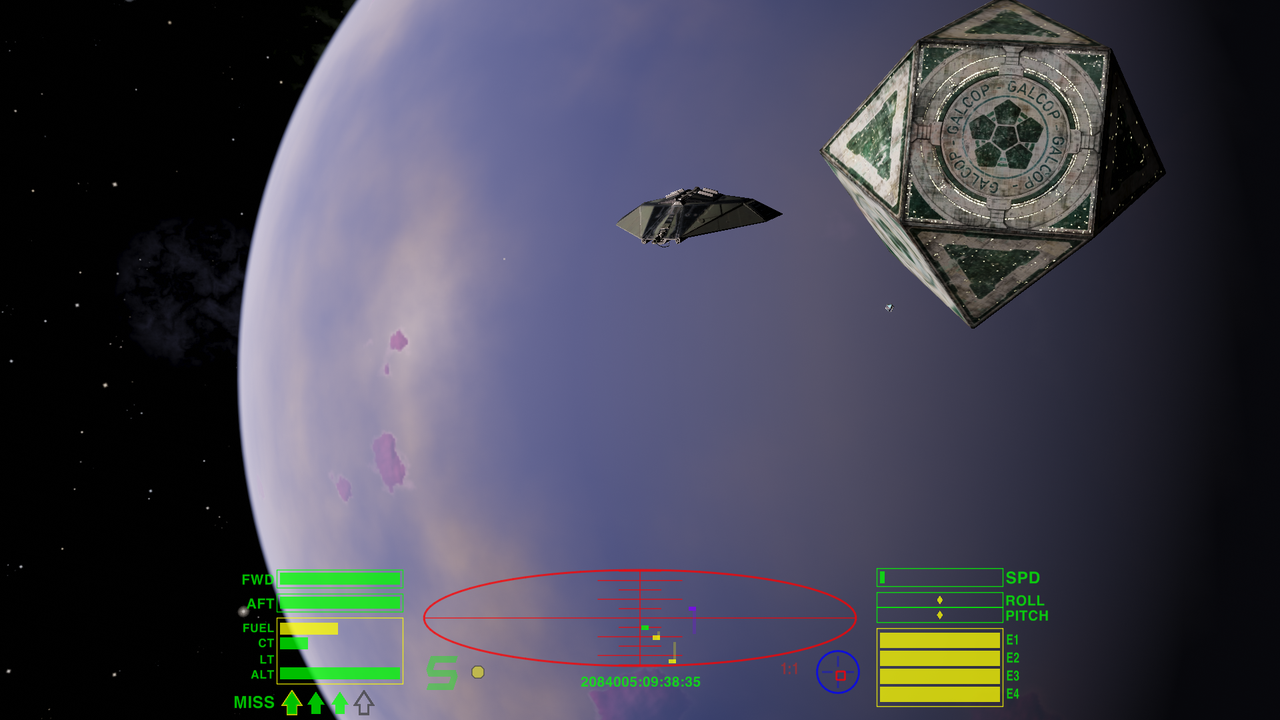
Taken at Diso with no OXPs and everything at default first-time-run settings. Not taken on Linux but you can easily take a similar one if you stand outside the station at Diso and use the external camera until you find a good-looking angle.
Regarding the logo, I would prefer to not change it. It may not be perfect (totally agree that it looks low-contrast in dark themes, esp. as an icon) but it is our branding thing and is already out on the net. We had it long before flathub and is unique and instantly recognizable.
While we are on the logo, I see that the logo in mcarans' example has shadows and I am not sure where they come from. The original file in Resources/Textures/oolite-logo1.png doesn't have any and should probably be the one used (that's what I have in the banner mock-up).
Re: Better images for FlatHub listing
Posted: Wed Feb 18, 2026 9:26 am
by cbr
Re: Better images for FlatHub listing
Posted: Wed Feb 18, 2026 6:08 pm
by mcarans
cbr wrote: ↑Wed Feb 18, 2026 9:26 am
That's superb!
Re: Better images for FlatHub listing
Posted: Sat Feb 21, 2026 8:32 pm
by mcarans
FlatHub has an outage so I'm not able to upload the new Flatpak build:
https://status.flathub.org/
It will have most of the screenshots below (made into 16:9) + one I took:
https://github.com/OoliteProject/oolite ... te-999.png.
The FlatHub banner apparently no longer uses the first screenshot and the test tool is now purely to test colours. Instead if FlatHub pick an app to be highlighted in the store, then you have to put an image in a particular folder (as I understand it).
Re: Better images for FlatHub listing
Posted: Sat Feb 21, 2026 8:48 pm
by another_commander
The image oolite-070A.png appears to be synthesized and not an actual screenshot. The lighting on the Cobra seems off and cbr has mentioned that it is inserted in the image for effect. Best to substitute it with an untouched shot.