Page 473 of 475
Re: Screenshots
Posted: Sun Jan 25, 2026 10:19 am
by cbr
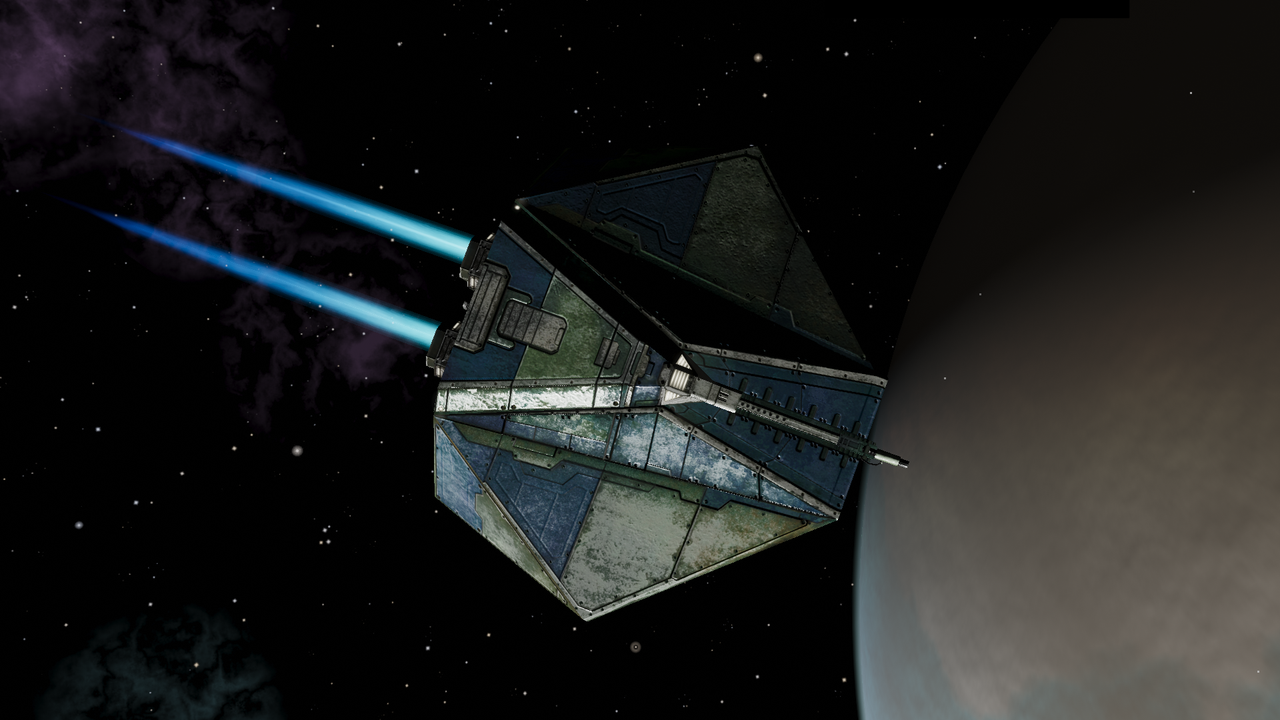
first pic meh, second pfew!
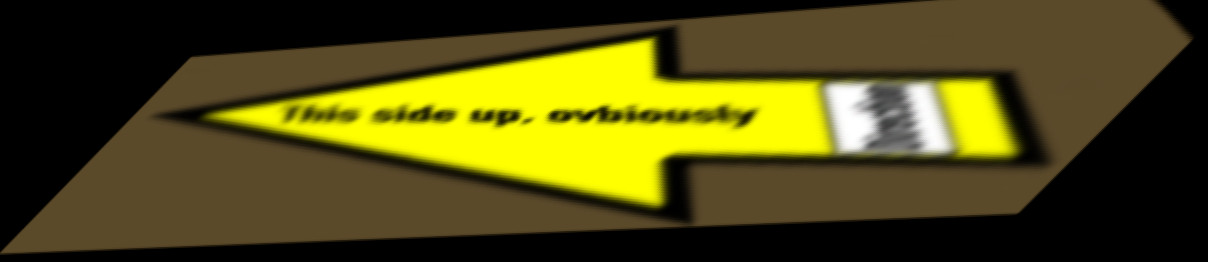
Say one would like to see more versions combined in a separate oxp what would be required?
Re: Screenshots
Posted: Sun Jan 25, 2026 1:59 pm
by Wildeblood
cbr wrote: ↑Sun Jan 25, 2026 10:19 am
Say one would like to see more versions combined in a separate oxp what would be required?
The PNG assets and a short JS.
A trumble-box model and ship-data for a tumbling 3D box?
Re: Screenshots
Posted: Sun Jan 25, 2026 3:26 pm
by Old Murgh
cbr wrote: ↑Sun Jan 25, 2026 10:19 am
first pic meh, second pfew!
Hey, nice catch on a little dyslexia there. It's not too ovbious is it?
Re: Screenshots
Posted: Sun Jan 25, 2026 7:54 pm
by cbr
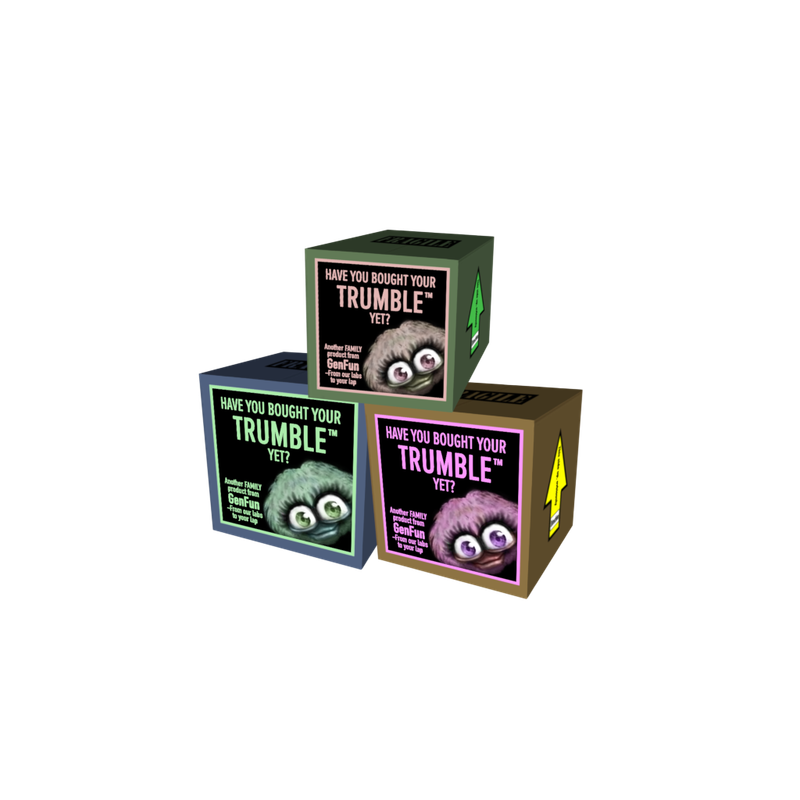
The legacy one was unreadable, so I read the HR one

Re: Screenshots
Posted: Sun Jan 25, 2026 9:04 pm
by Old Murgh
cbr wrote: ↑Sun Jan 25, 2026 7:54 pm
The legacy one was unreadable, so I read the HR one
They're pretty adorable in all colours.

This is what happens when you slip in the new 2048px image yourself at home and hope for the best.
Re: Screenshots
Posted: Mon Jan 26, 2026 6:42 am
by another_commander
Old Murgh wrote: ↑Sun Jan 25, 2026 9:04 pm
This is what happens when you slip in the new 2048px image yourself at home and hope for the best.
You must declare the desired width or height when you request it, something like this:
Code: Select all
setScreenBackground ({name:"trumblebox.png", height:512})
This is similar to what the oolite-trumbles-mission.js script does in the latest published pre-release. It sizes the image correctly and keeps it nice and crisp at the same time.
Re: Screenshots
Posted: Tue Jan 27, 2026 7:41 pm
by cbr
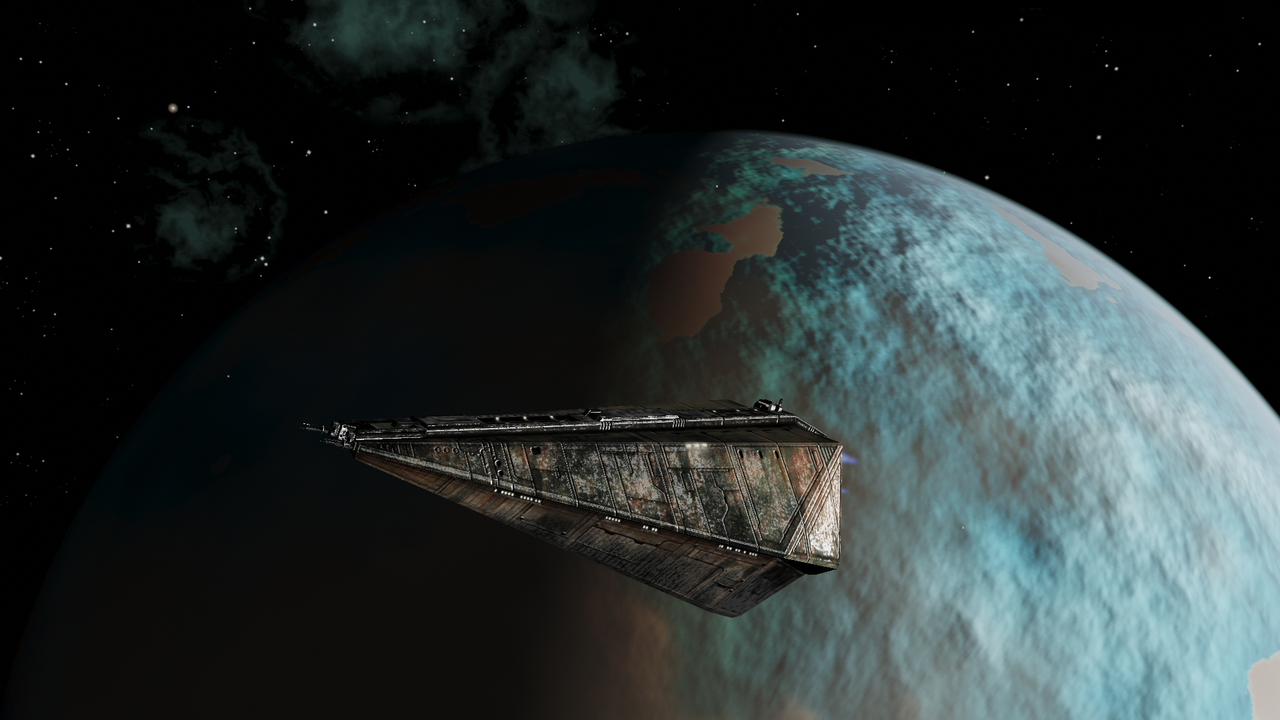
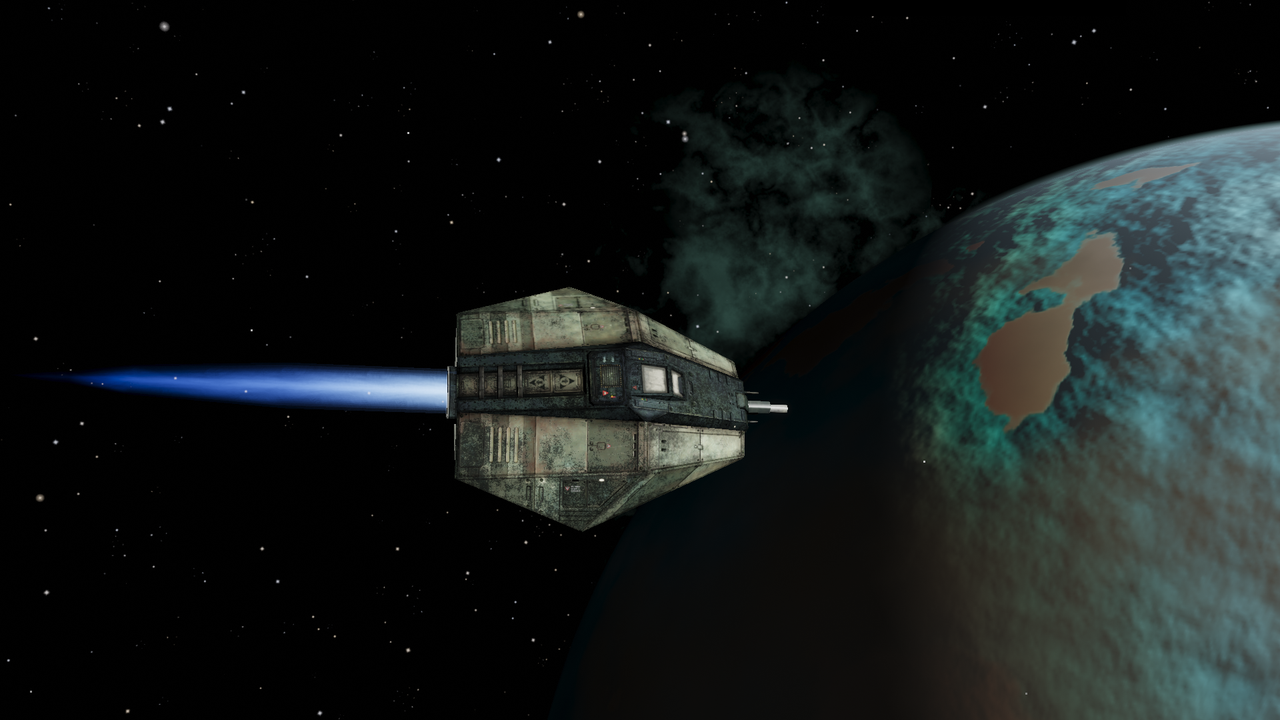
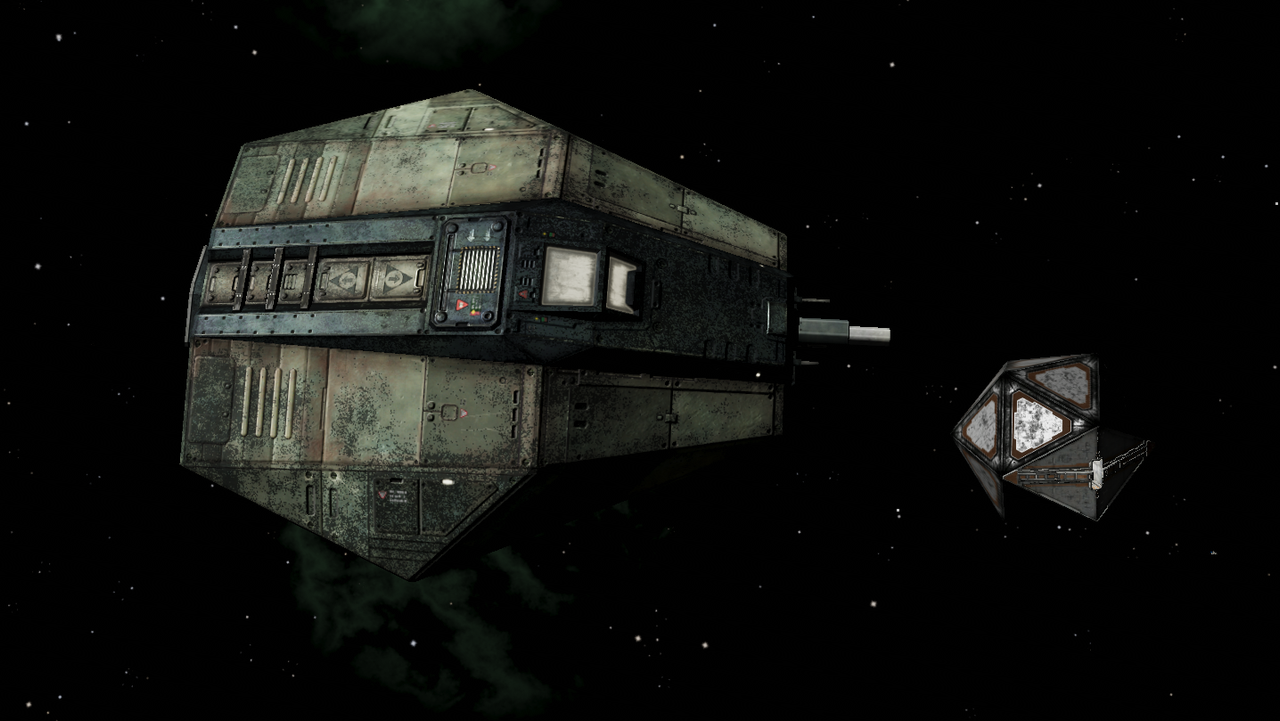
188 NSG play...
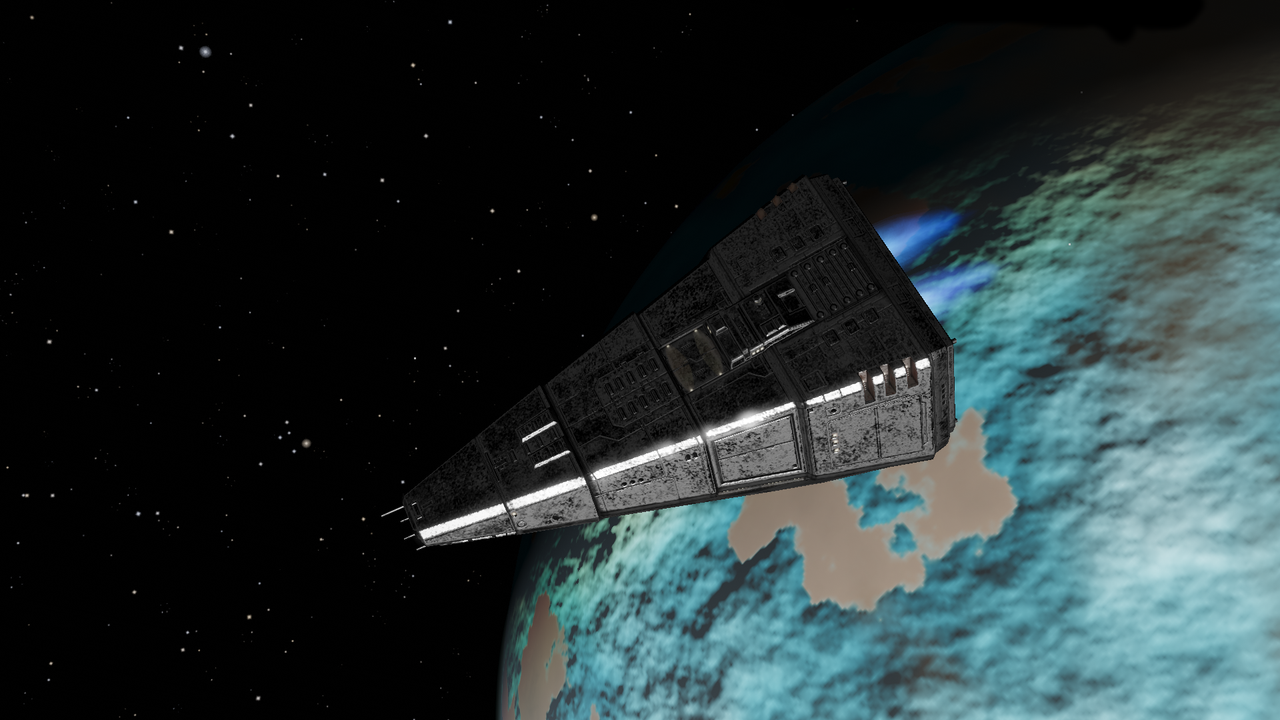
Dark Diffuse Map
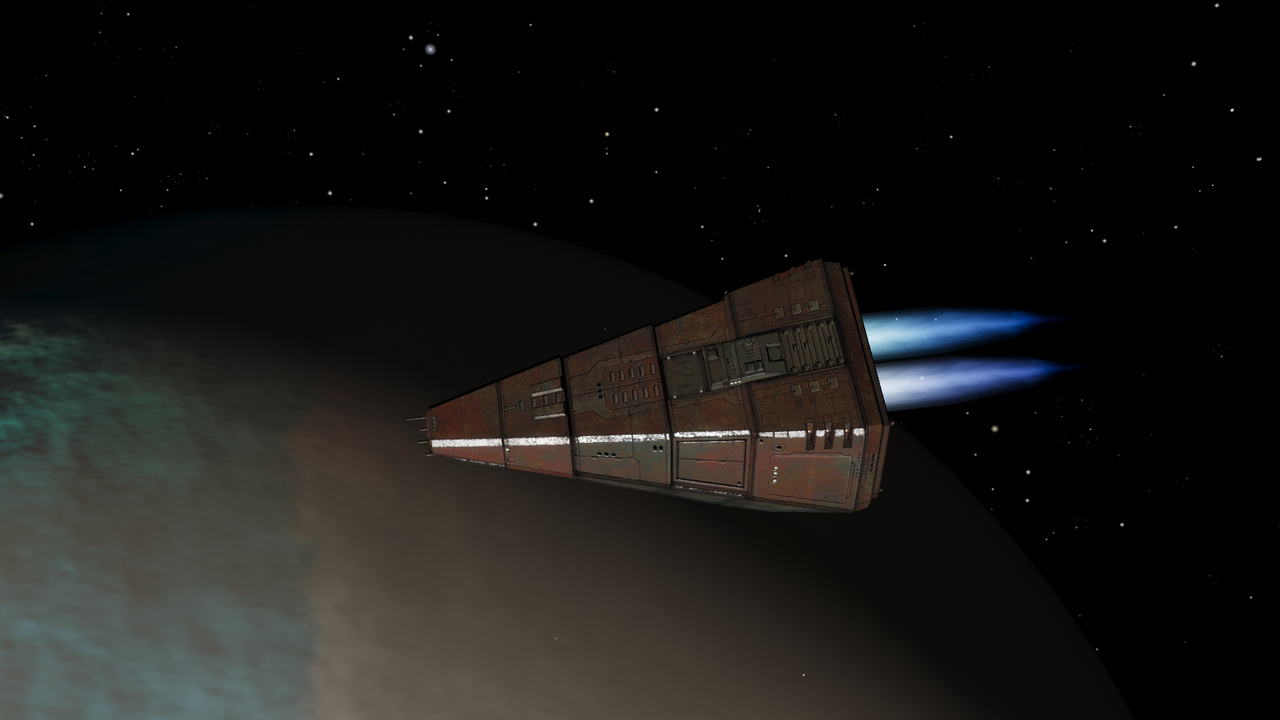
Moderate Dark Diffuse Map with moderate Dark Specular
Re: Screenshots
Posted: Wed Jan 28, 2026 2:25 pm
by cbr
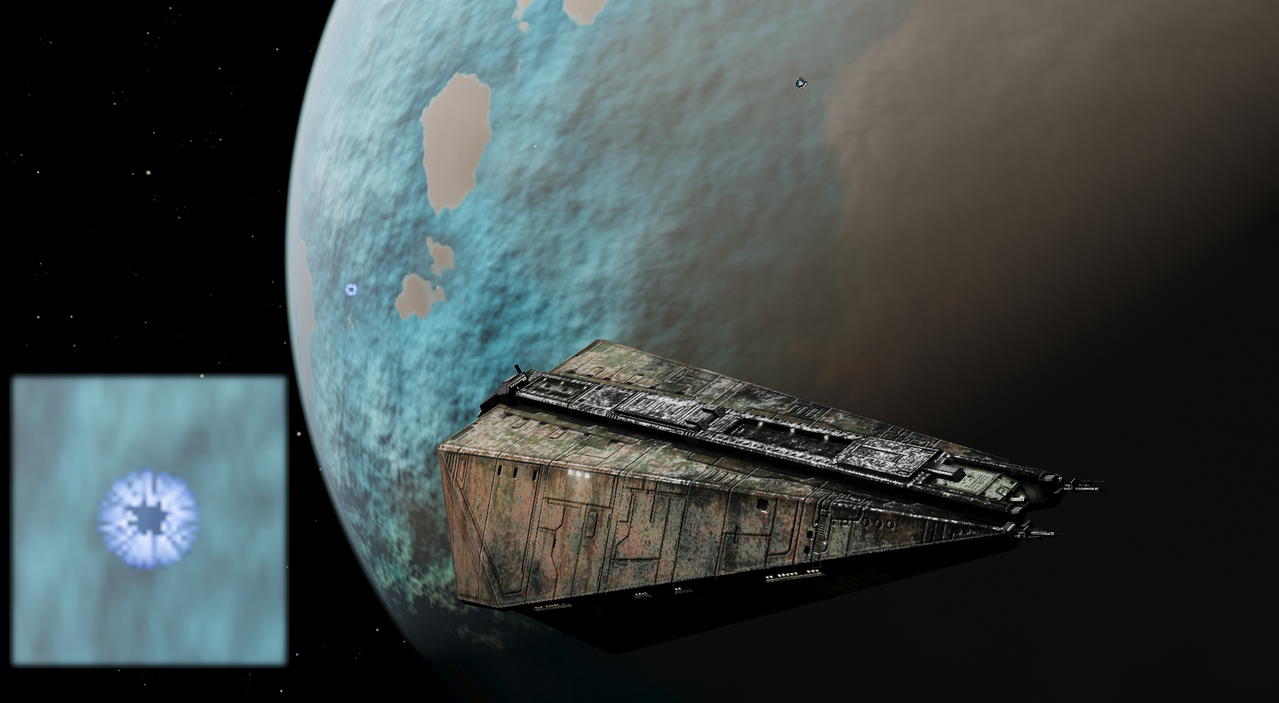
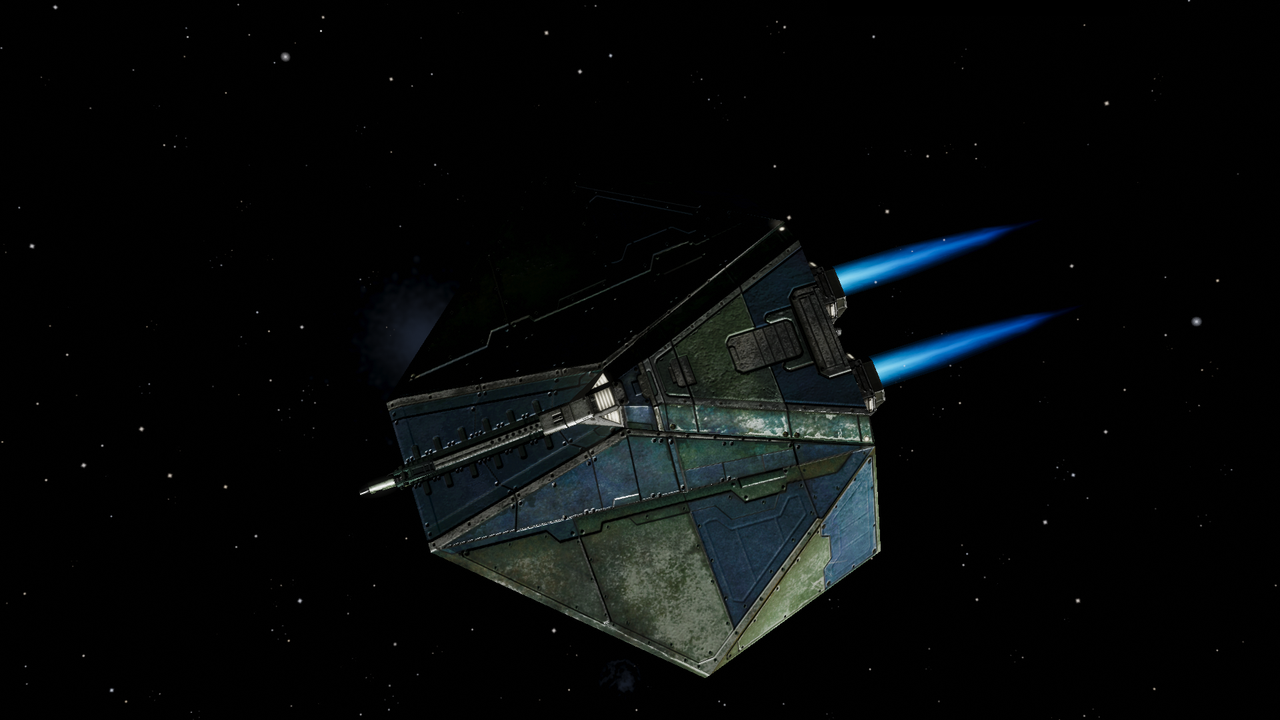
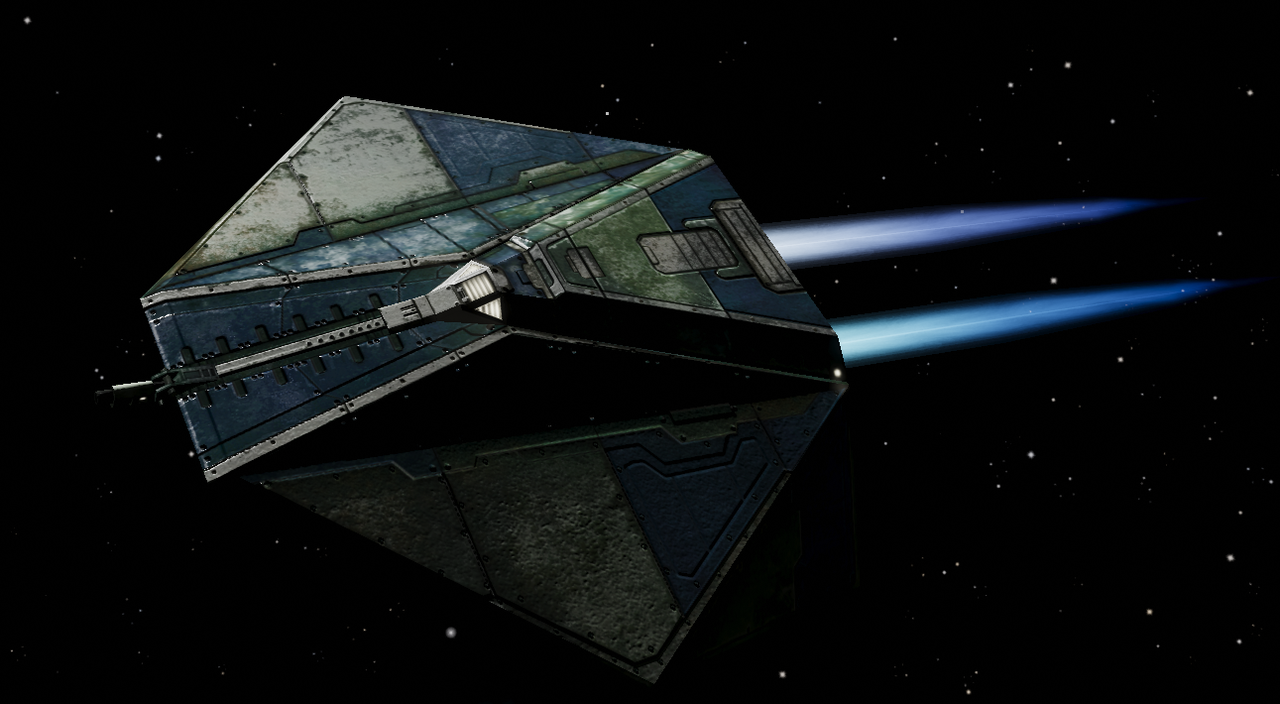
Some more
https://wiki.alioth.net/index.php/Norma ... e_v1.88%2B play...
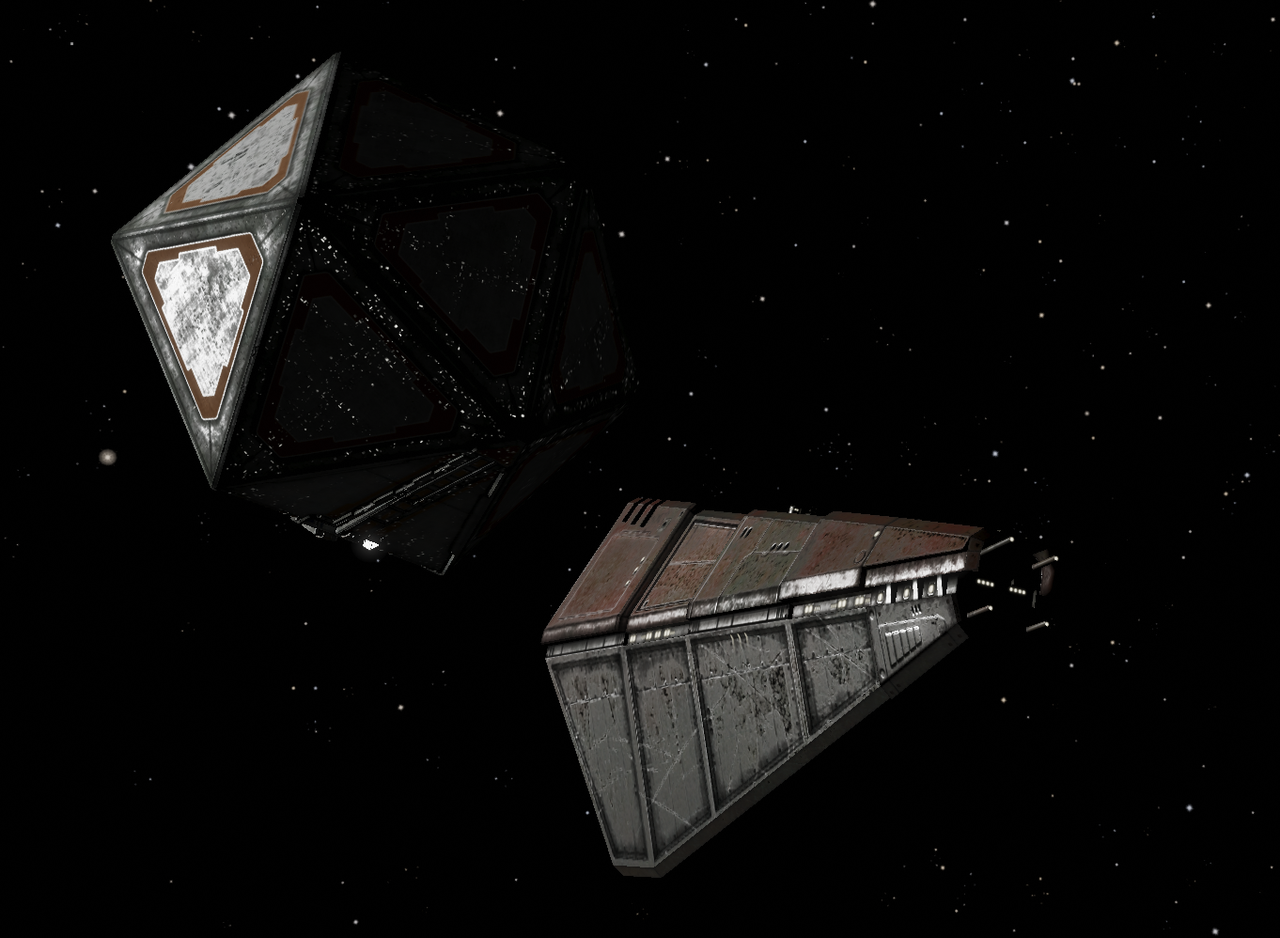
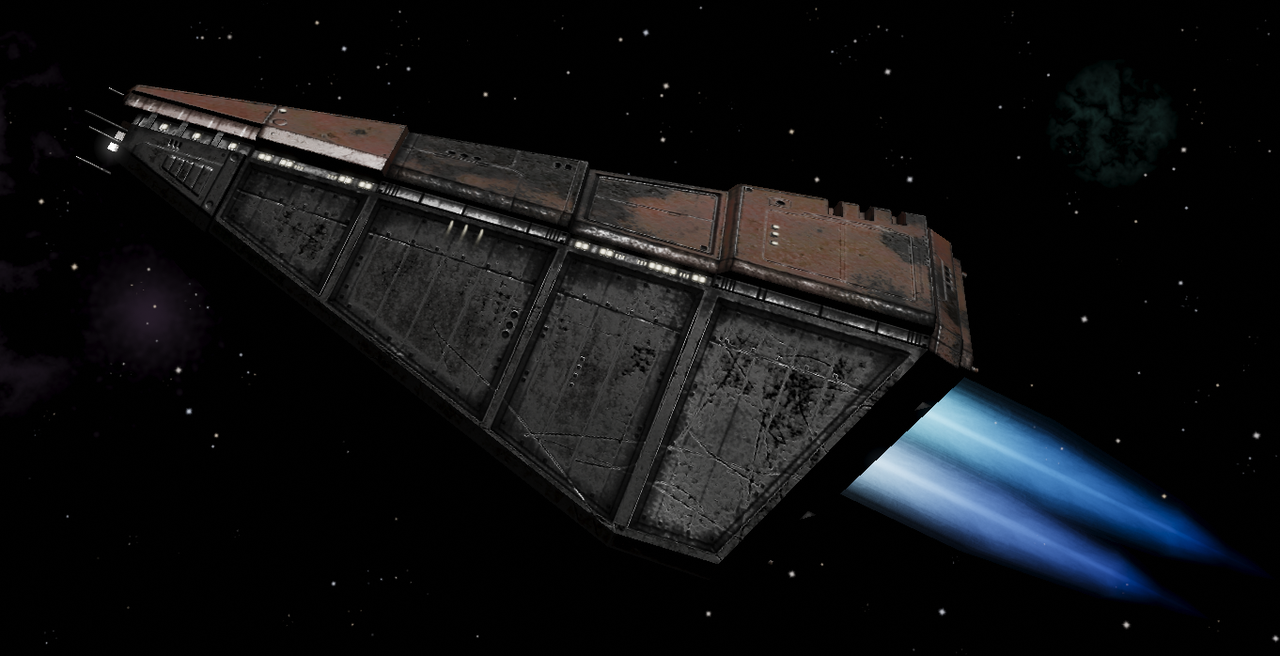
isolating/removing diffusemap metals, retaining in this case 'rust' area
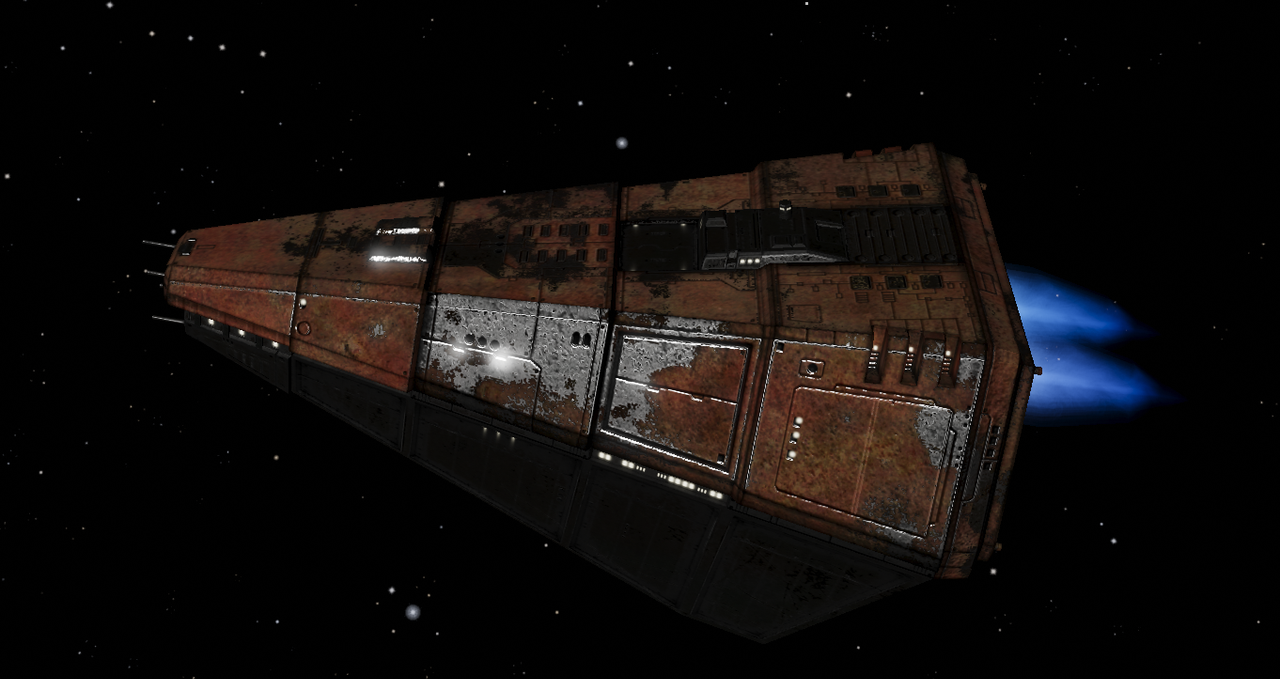
removing 'rust' area values in the specular part of the gloss map
Re: Screenshots
Posted: Thu Jan 29, 2026 9:09 pm
by cbr
Re: Screenshots
Posted: Fri Jan 30, 2026 11:33 am
by cbr
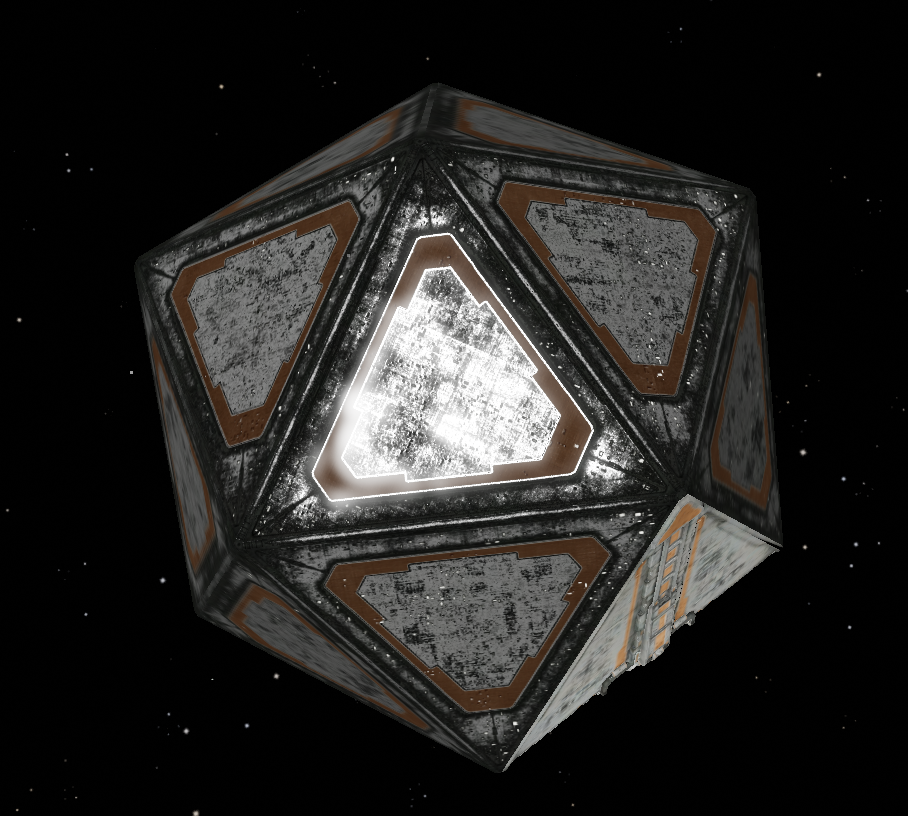
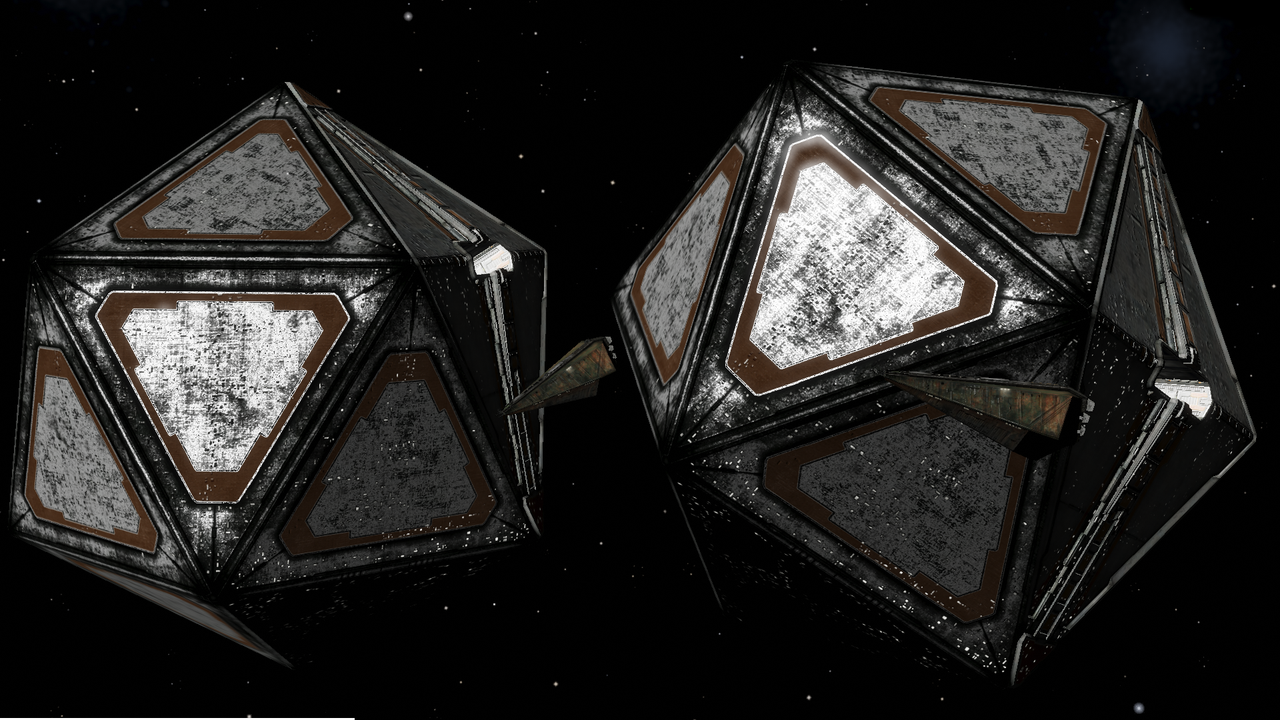
Adding a bit of ambient light in the emission map ( in alpha here ) helps reduce the high contrast of the current light system
Re: Screenshots
Posted: Fri Jan 30, 2026 12:29 pm
by another_commander
cbr wrote: ↑Fri Jan 30, 2026 11:33 am
Adding a bit of ambient light in the emission map ( in alpha here ) helps reduce the high contrast of the current light system
Have you considered selecting a different tone mapper from the available ones?
In the console you can type
oolite.sdrToneMapper= and then one of the following (with the quotation marks):
Code: Select all
"OOSDR_TONEMAPPER_NONE"
"OOSDR_TONEMAPPER_ACES"
"OOSDR_TONEMAPPER_AgX"
"OOSDR_TONEMAPPER_HEJLDAWSON"
"OOSDR_TONEMAPPER_UC2"
"OOSDR_TONEMAPPER_UCHIMURA"
"OOSDR_TONEMAPPER_REINHARD"
The default is OOSDR_TONEMAPPER_ACES, which is reasonably high-contrast.
Re: Screenshots
Posted: Fri Jan 30, 2026 3:33 pm
by cbr
Excellent and i seem to be able to use the console once again...
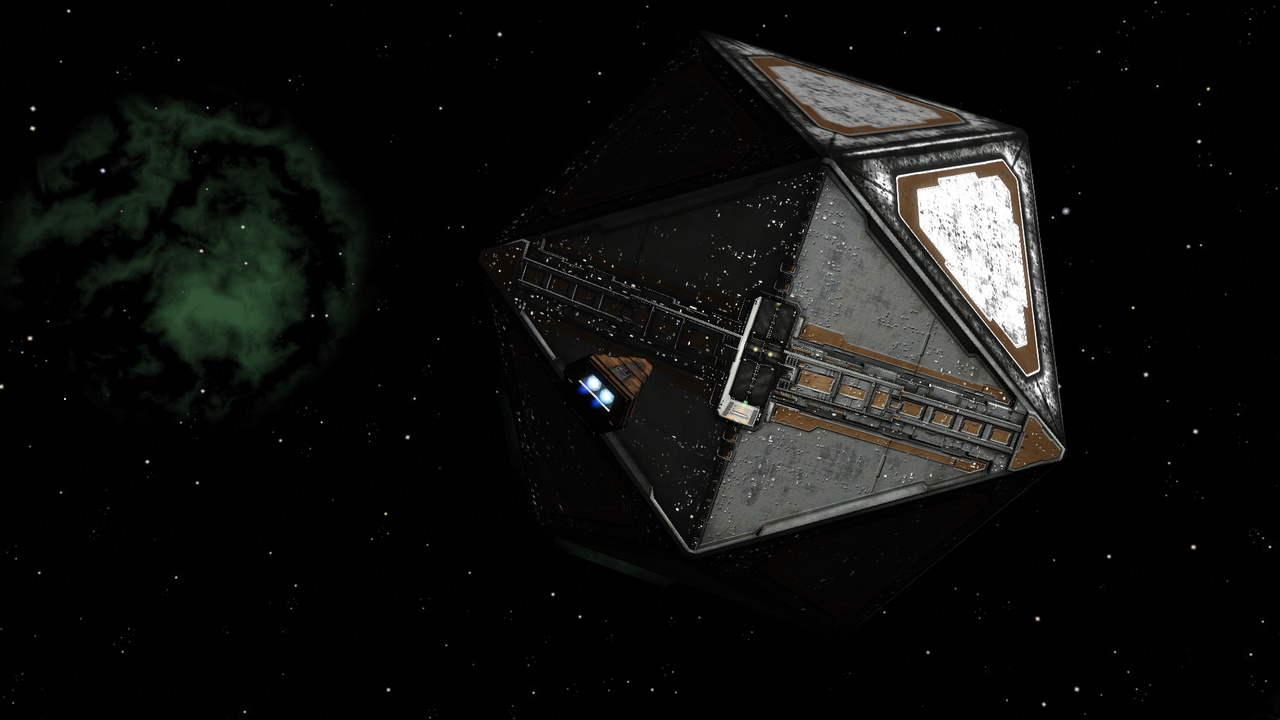
"OOSDR_TONEMAPPER_UCHIMURA"
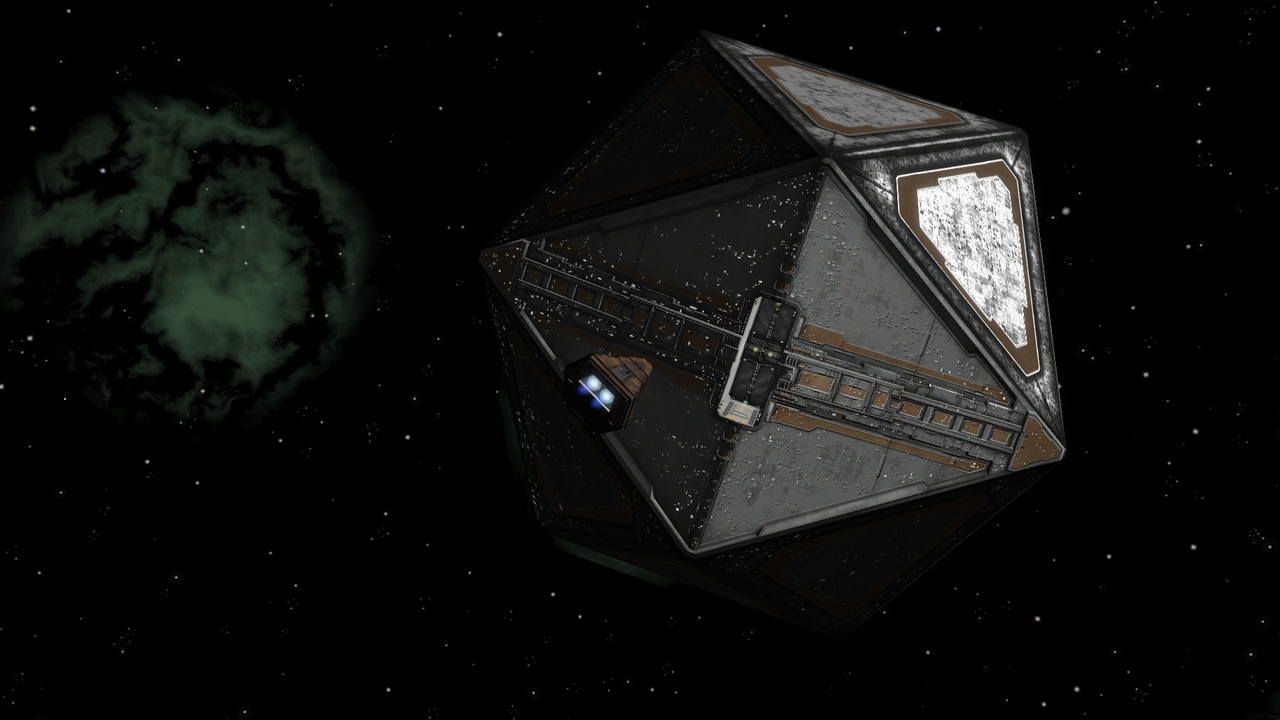
"OOSDR_TONEMAPPER_UC2"
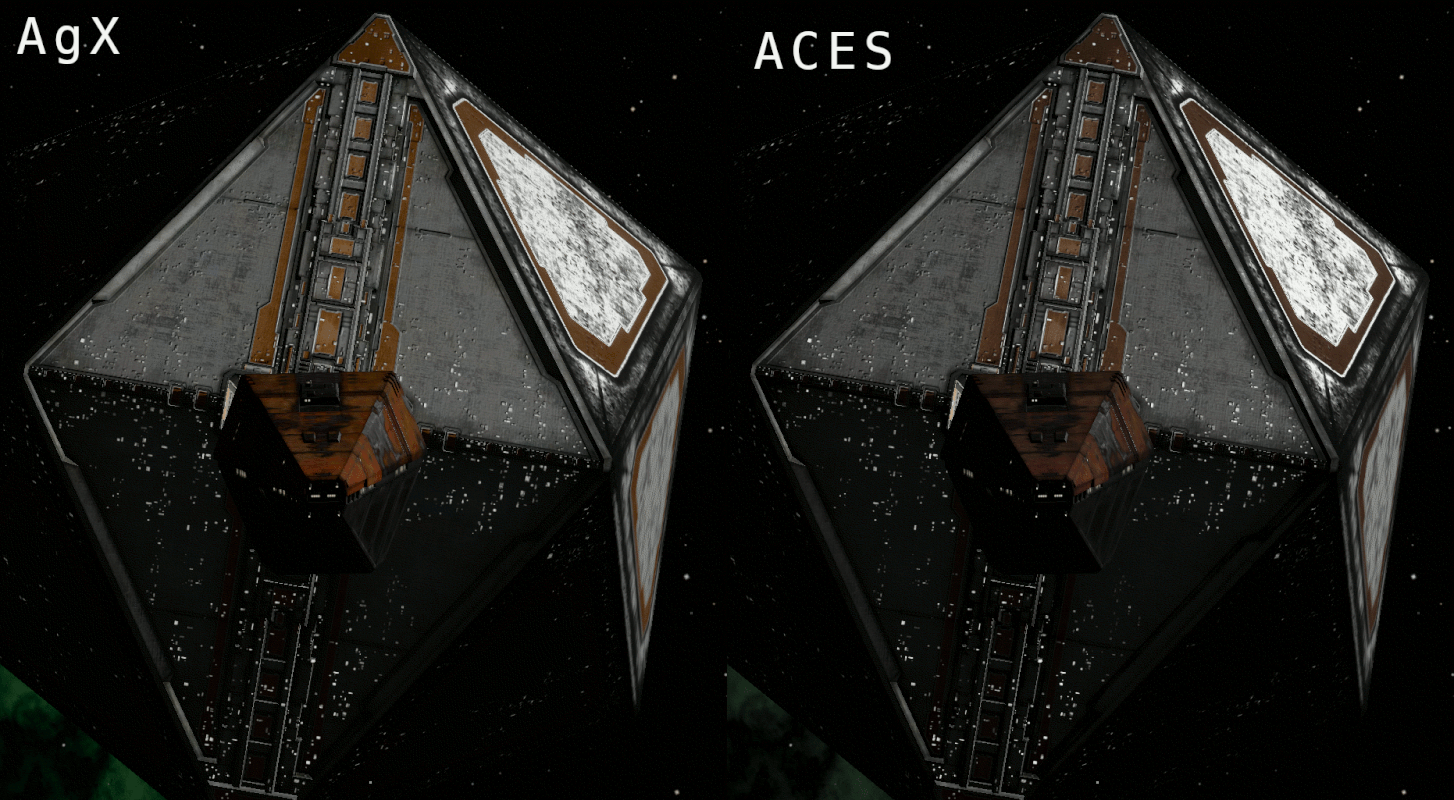
No visual differences noticed between ACES and Agx
(Graphical workflow, what i usually do for high contrast images is duplicate the original high contrast image use a Reinhard tonemapping style filter and overlay this with a less than 40% opacity)
Re: Screenshots
Posted: Fri Jan 30, 2026 3:42 pm
by another_commander
cbr wrote: ↑Fri Jan 30, 2026 3:33 pm
No visual differences noticed between ACES and Agx
Actually there is very noticeable difference between the two. I think what happened is that you probably misspelled AgX (note first and last letters are capitals), which resulted in an unrecognizable tone mapper string and a fallback to ACES.
Re: Screenshots
Posted: Fri Jan 30, 2026 4:46 pm
by cbr
Ah missed the X...
Re: Screenshots
Posted: Sat Jan 31, 2026 12:04 pm
by cbr