One of Microsoft's recommendations for those submitting apps to the MS Store is that they run a set of verification tests on them to ensure compliance with the store rules and policies. These tests are effectively what MS checks during their application certification process prior to approving a release.
So, being a lawful and compliant MS
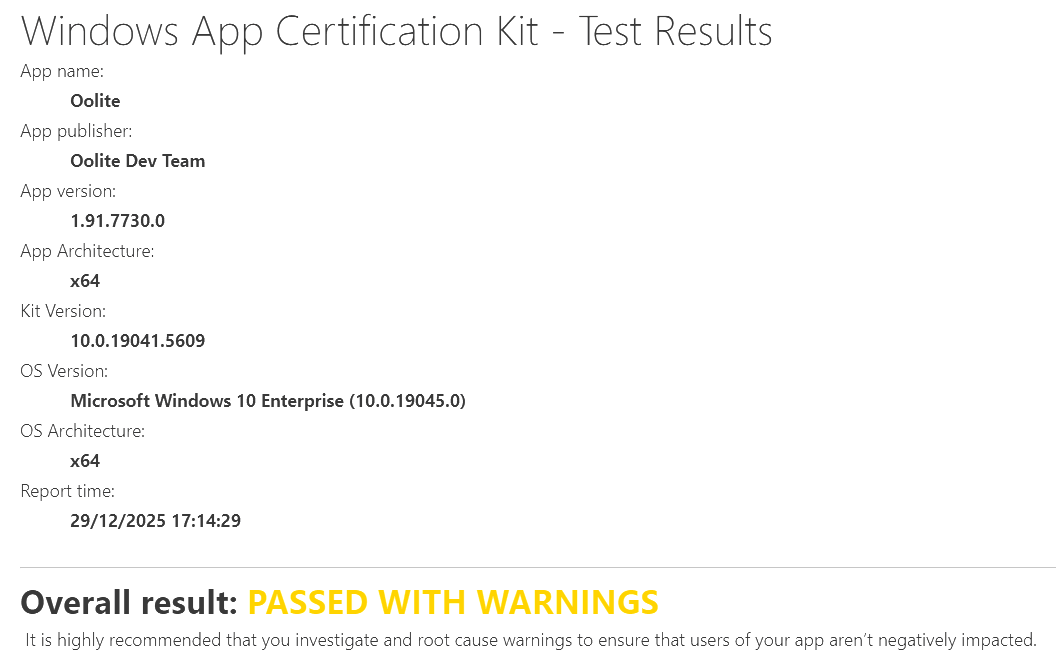
slave citizen, I run the latest MSIX through this test harness and I think the final result is quite good for a first attempt. The overall mark is "Passed with Warnings", the full results are uploaded as an html file at
https://drive.google.com/file/d/13LJnCX ... sp=sharing and almost all of the warnings can be resolved by a simple explanation when submitting to the store in the text fields provided exactly for this reason. But let's go through the test findings and what we can do to rectify them:
The first warning is about DPI awareness:

This warning is bogus. Instead of testing oolite.exe, the test was exercised on PsfLauncher64.exe, which is the exe wrapper inserted in the package to launch the application when cmdline args are required and also for enabling first-run execution actions. Oolite is, of course, totally DPI aware and has been for many years.
The second one is more serious and requires action from us, as it directly violates an MS Store rule:

The package indeed contains definitions for two applications, but there is a catch: both applications refer to the same executable, but one of them (Oolite-HDR) is run with the -hdr parameter. If this cannot be acceptable then we will have to remove Oolite-HDR as a shortcut from the game (which is something I'd hate to do but whatever, since the game can still be launched with any cmdline argument from any console or the Run Dialog).
Edit: I just noticed that this was part of the optional tests which, according to the header text in the report, do not count for MS Store onboarding. Maybe we can get away with it but I admit I feel a bit confused now...
Finally there is this one:
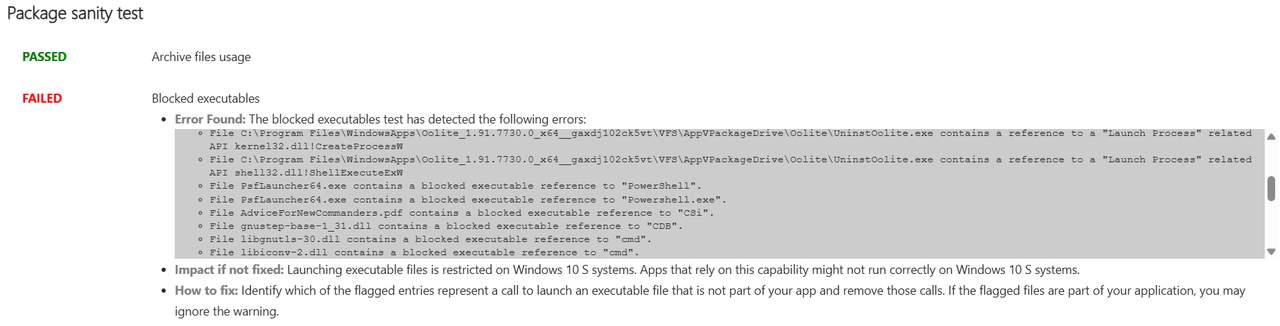
This warning/error is relevant only if we care to support Windows S (a stripped down version of Windows with lots of limitations which (I think) runs on ARM computers). There is no issue with any of the files reported, with the exception of UninstOolite.exe, which is a remnant of the original uninstaller and was accidentally included in the package. It can easily be removed to fix this. The warning can be resolved simply by specifically stating during submission that Windows 10 S is NOT supported by Oolite.
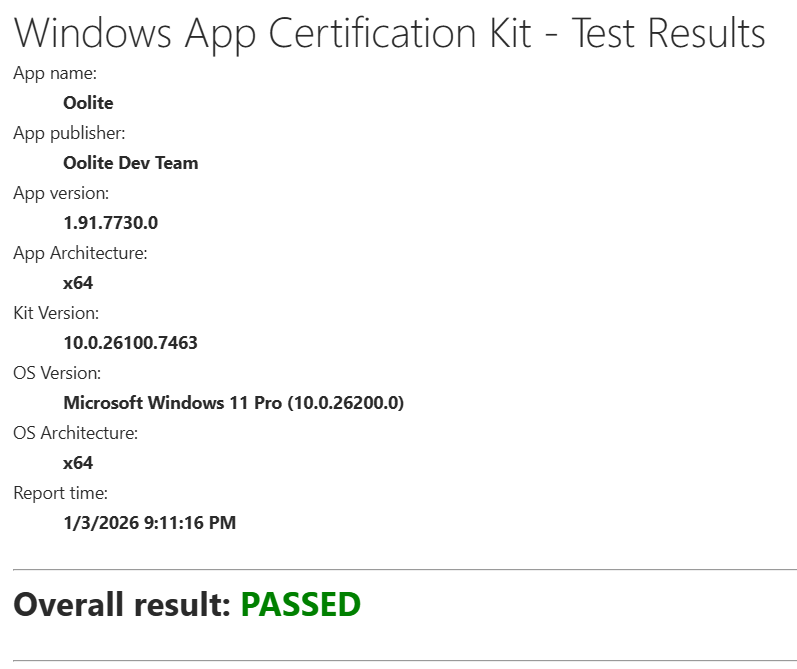
And that's it! All other tests passed on the first go. Not bad